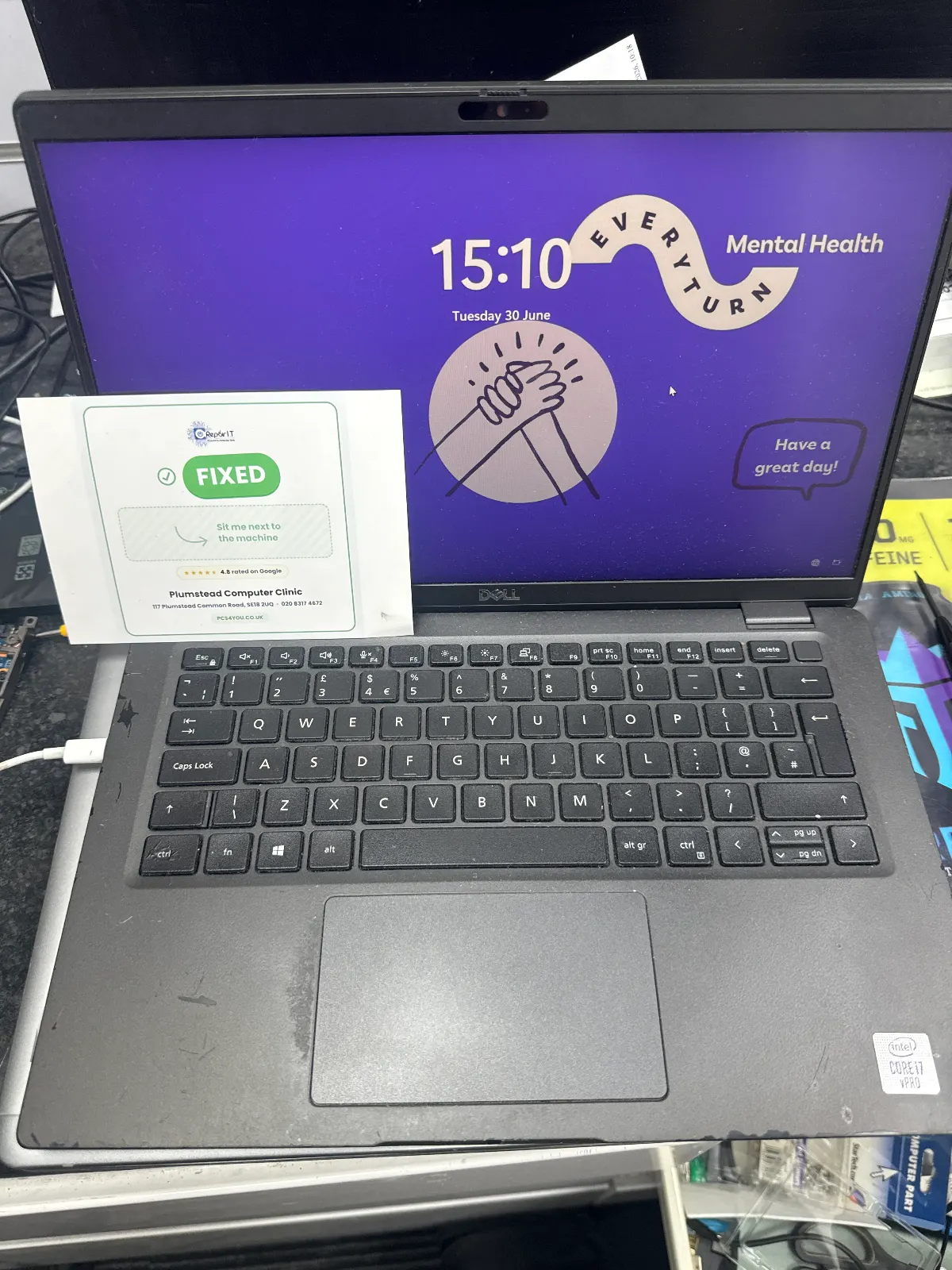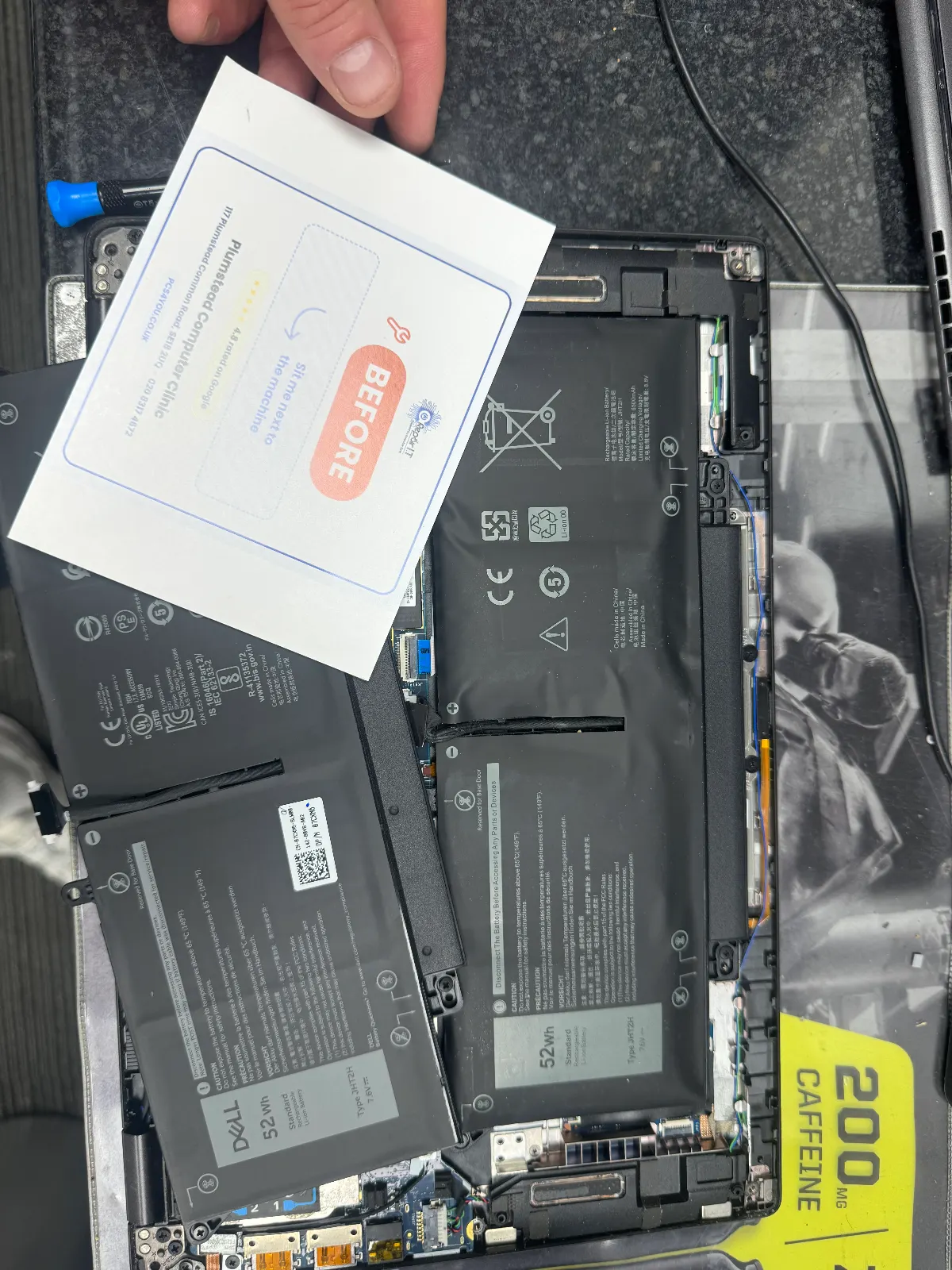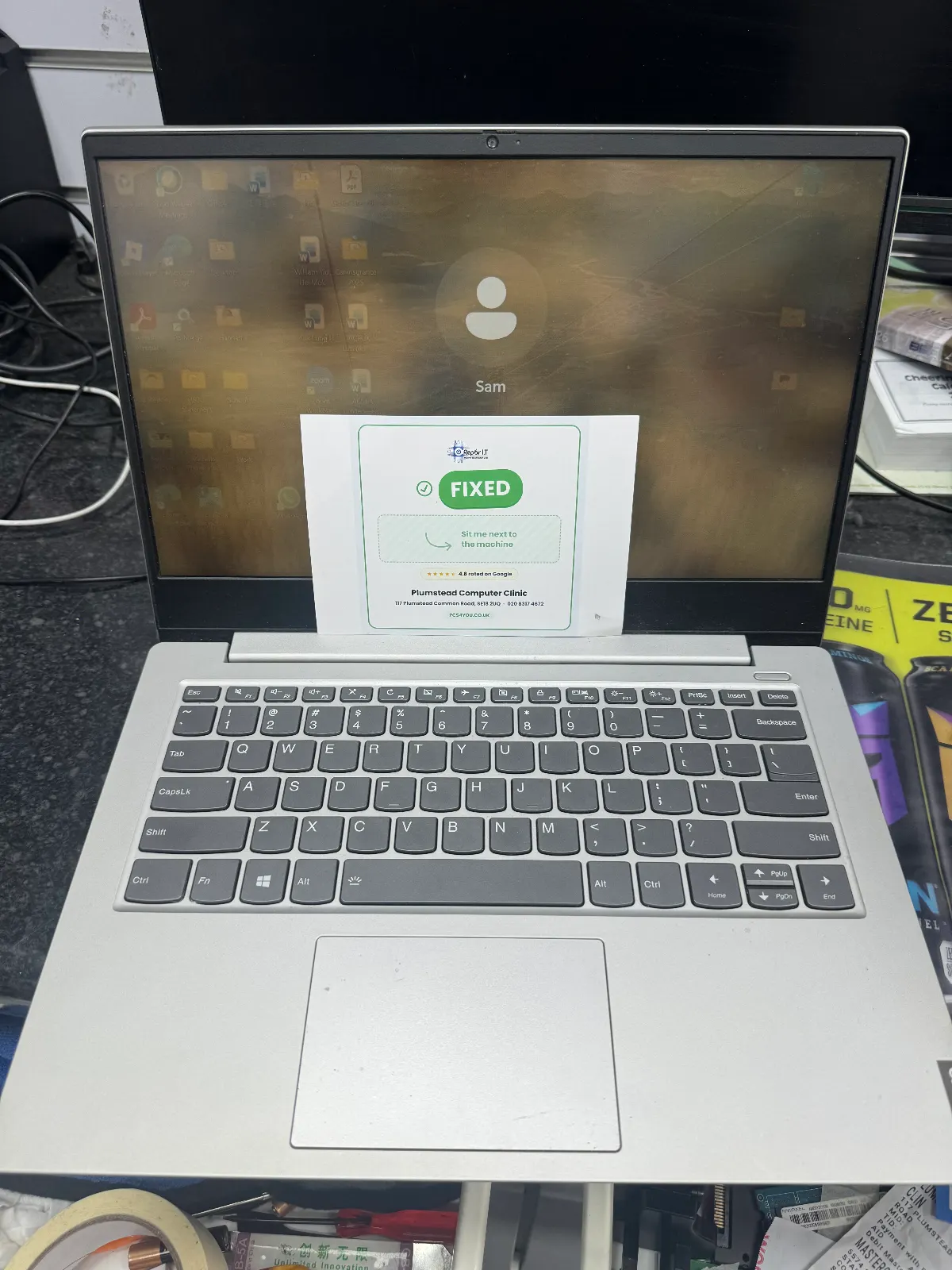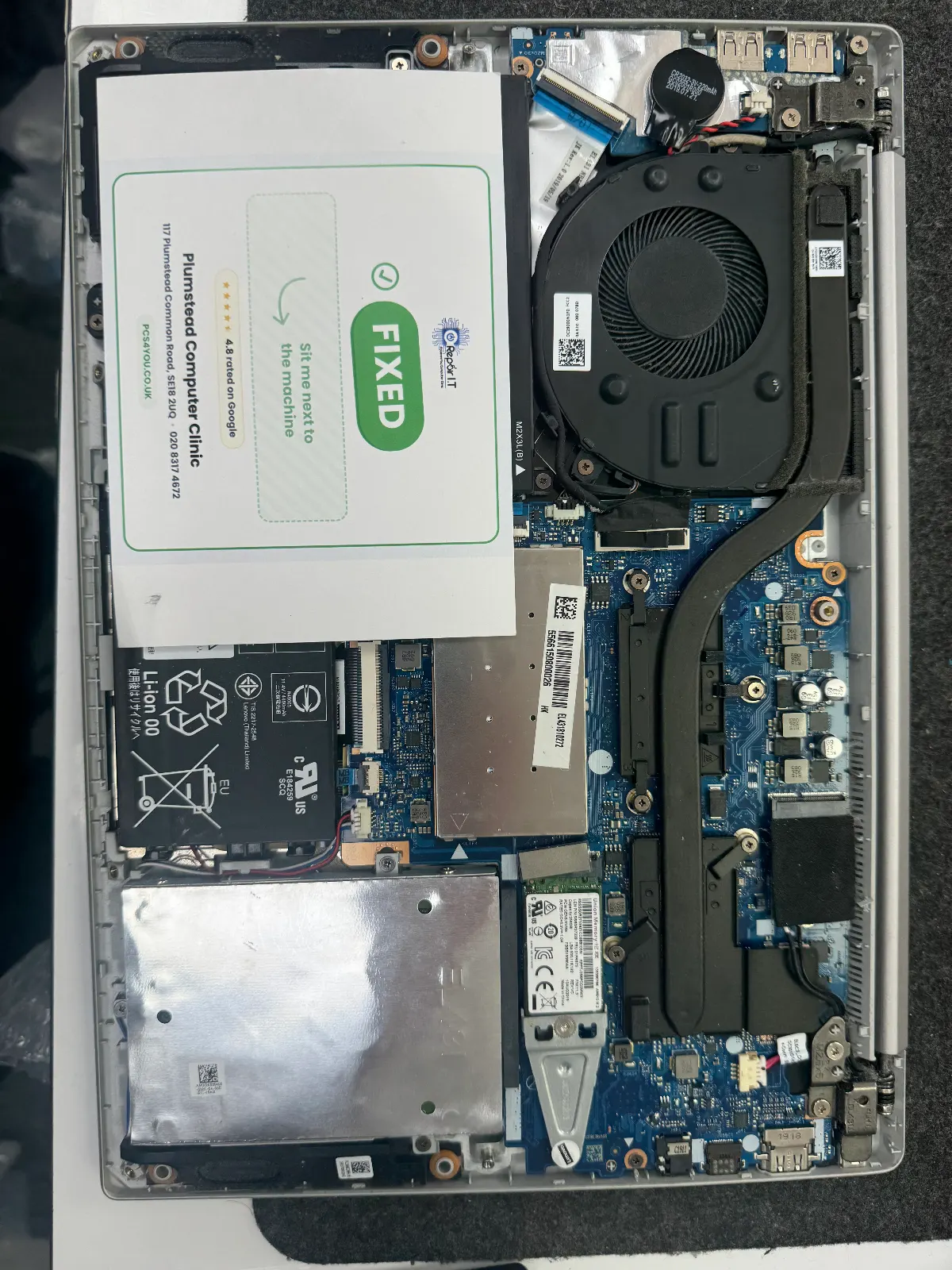
Laptop Repair in Welling

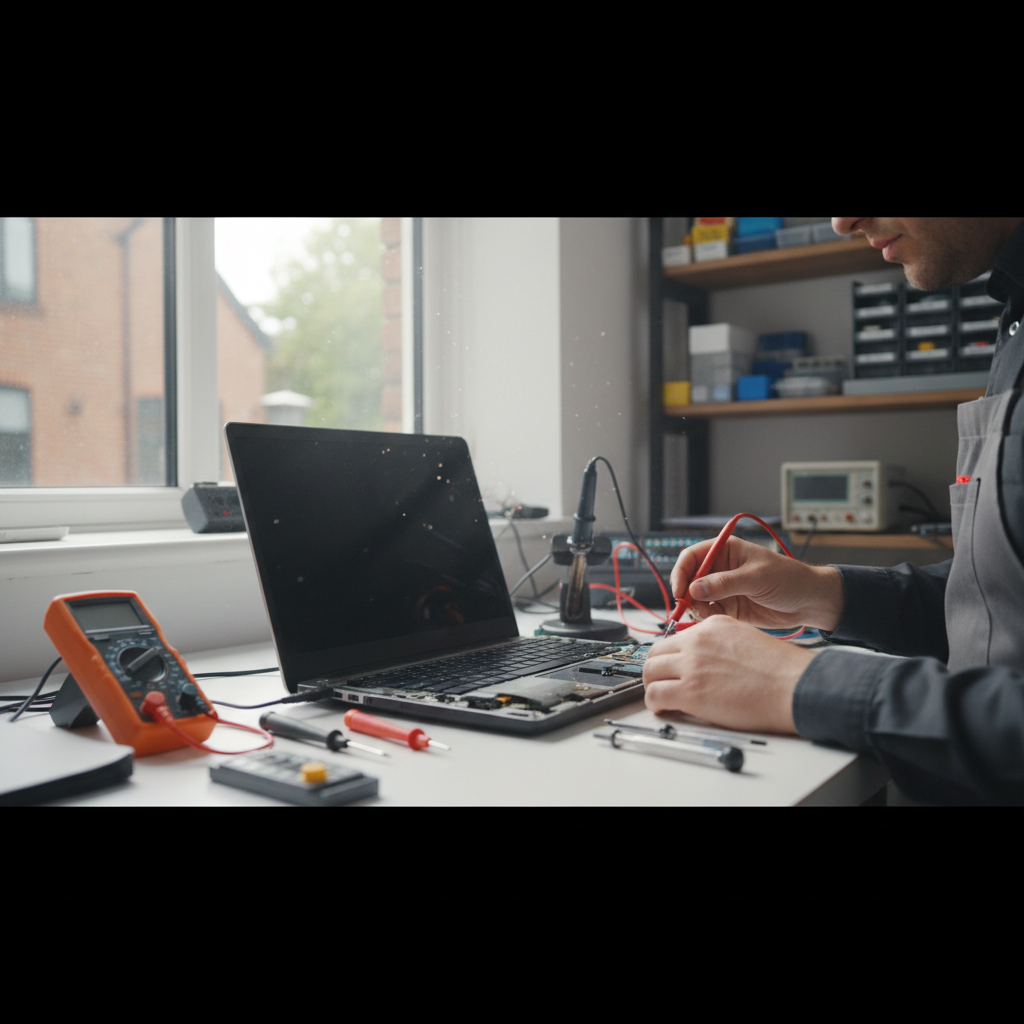
Laptop Repair Services for Welling Residents
Nearby Landmarks
Welling High Street, Danson Park, East Wickham Open Space, Welling United FC, Falconwood Station
Getting to Us
Welling is served by Welling railway station (Southeastern) with direct trains to London Bridge and Charing Cross. Multiple bus routes run along the High Street.
Repair I.T — Serving Welling
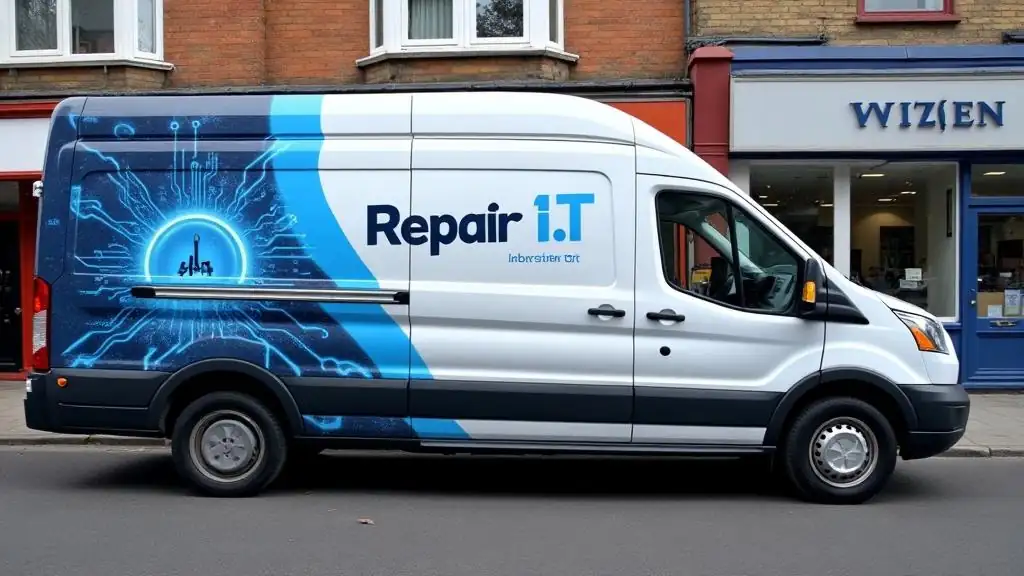
Our branded Repair I.T van is a familiar sight on the streets of Welling. We come to you for collections and deliveries — making laptop repair as convenient as possible.

Visit Our Shop, Serving Welling
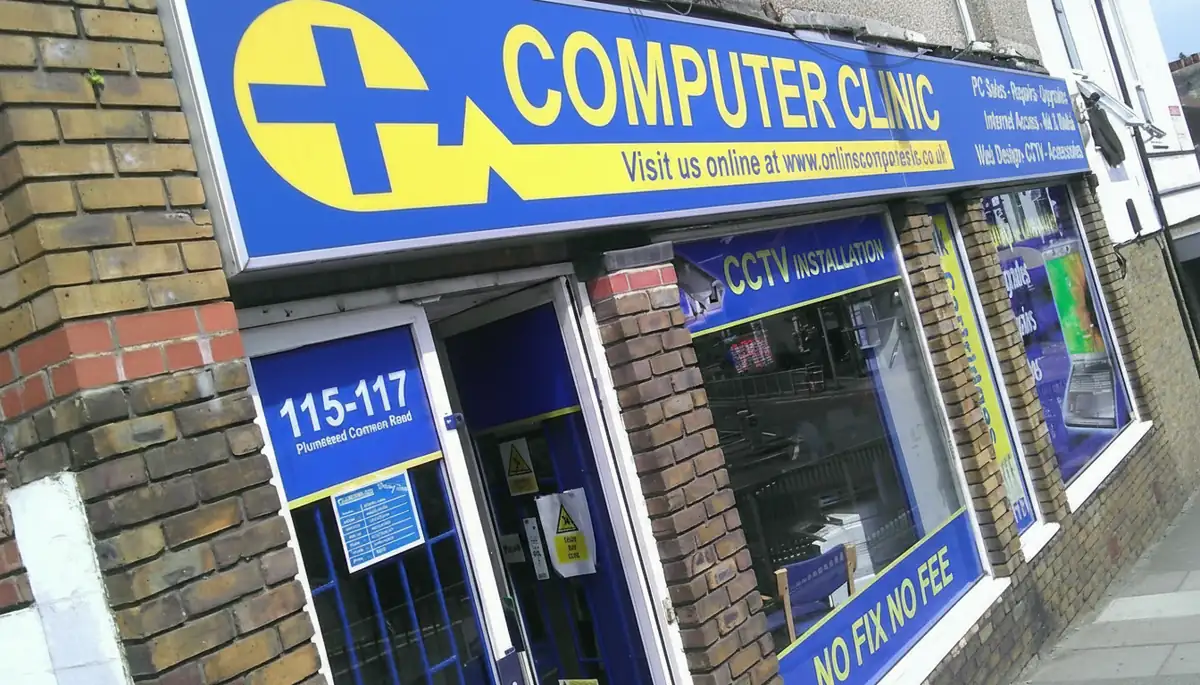
Drop your laptop into our shop on Plumstead Common Road for a free, no-obligation diagnostic. We've been repairing laptops and computers for the local community for years, with honest pricing and expert care you can trust.
Address
115-117 Plumstead Common Rd,
London SE18 2UQ
Opening Hours
Mon – Wed: 10am – 5pm
Thu: Closed · Fri: 10am – 5pm
Sat: 10am – 1pm · Sun: Closed
Repair Services Available in Welling
Screen Repair
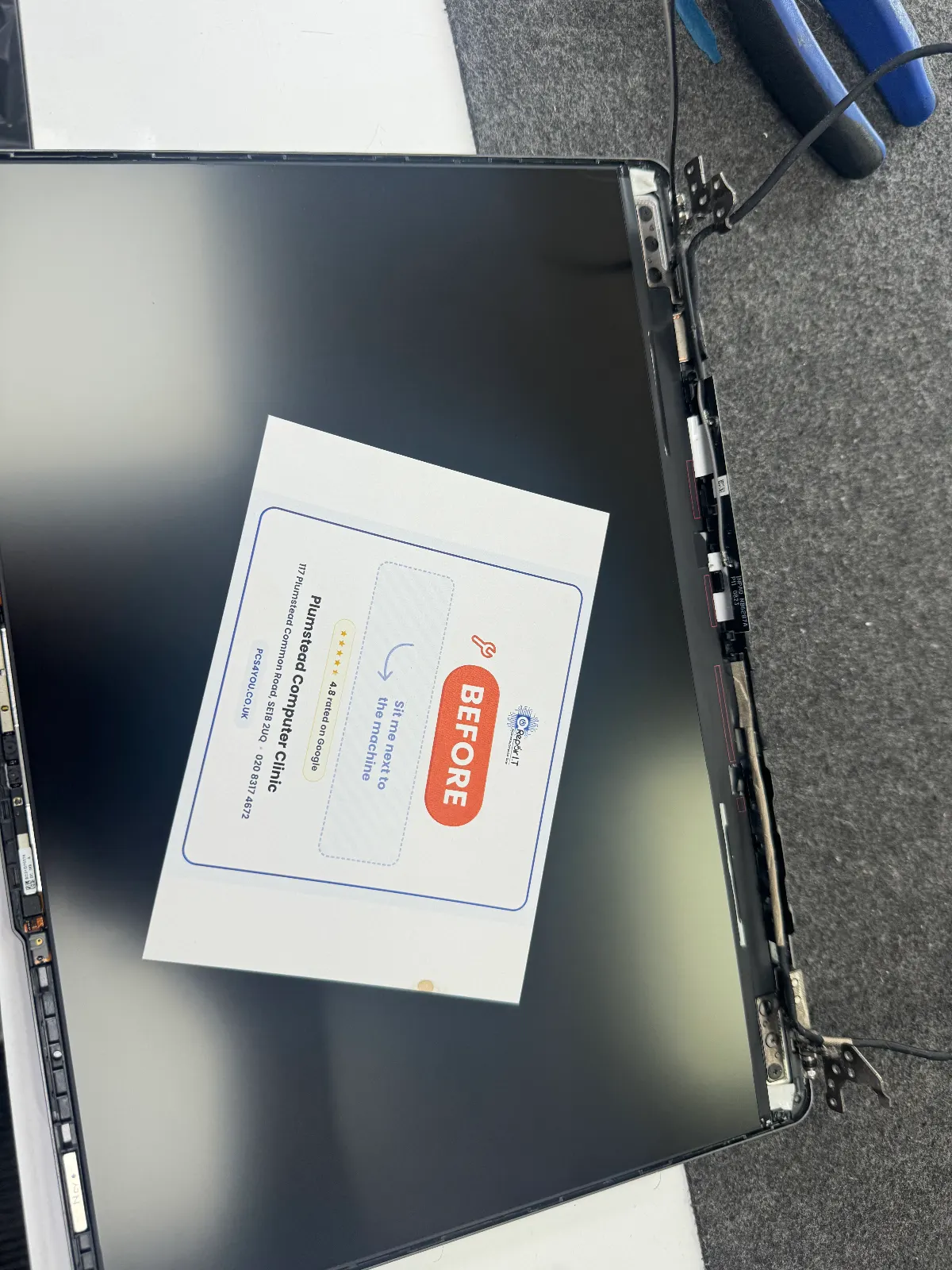
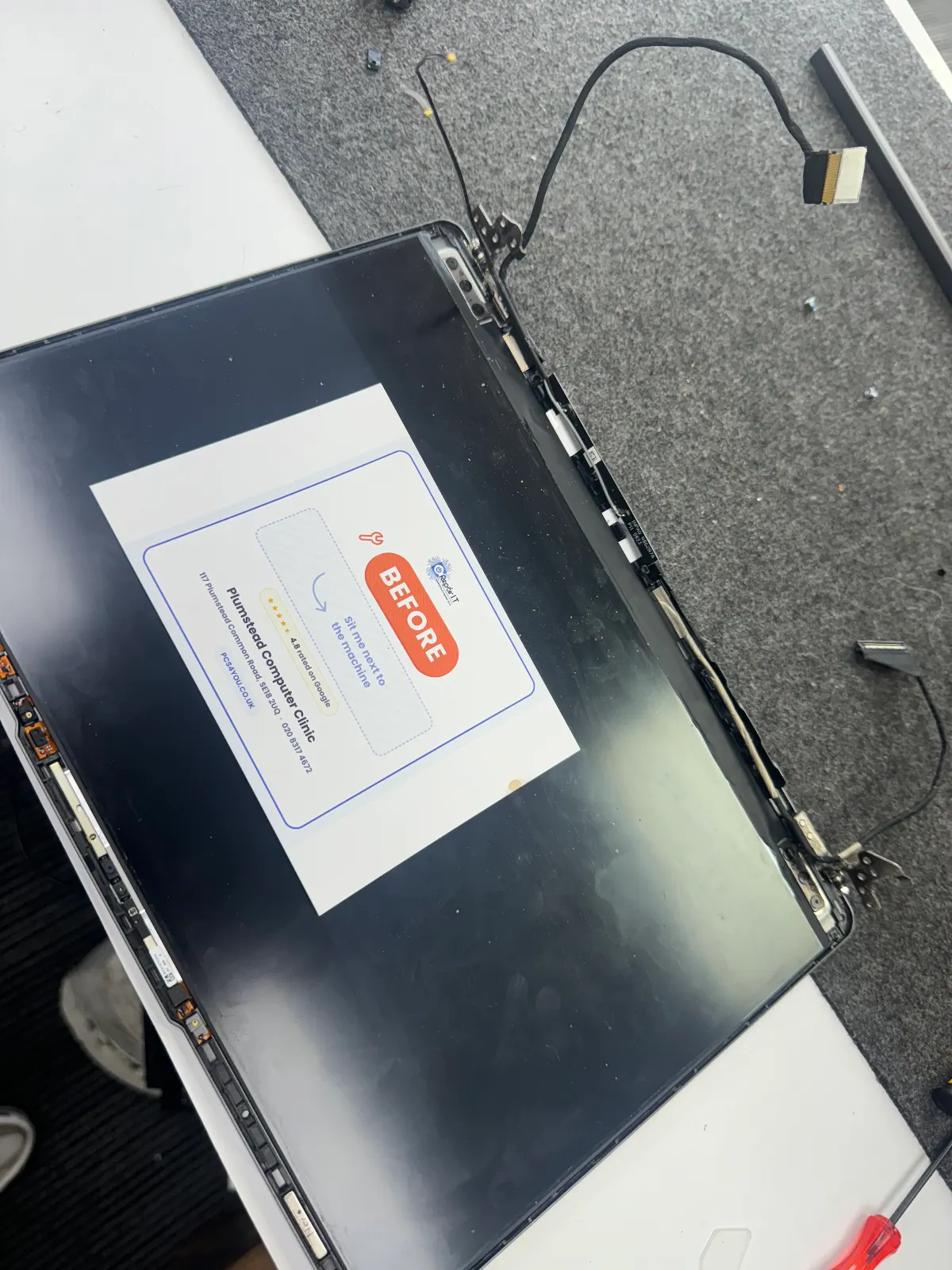
Cracked your laptop screen? We can usually swap it in about an hour at our Plumstead shop. Prices start around £70.
Keyboard Replacement
Spilt a cuppa on it? Or just got sticky keys? We can replace most keyboards the same day if the part's in stock.
Battery Replacement
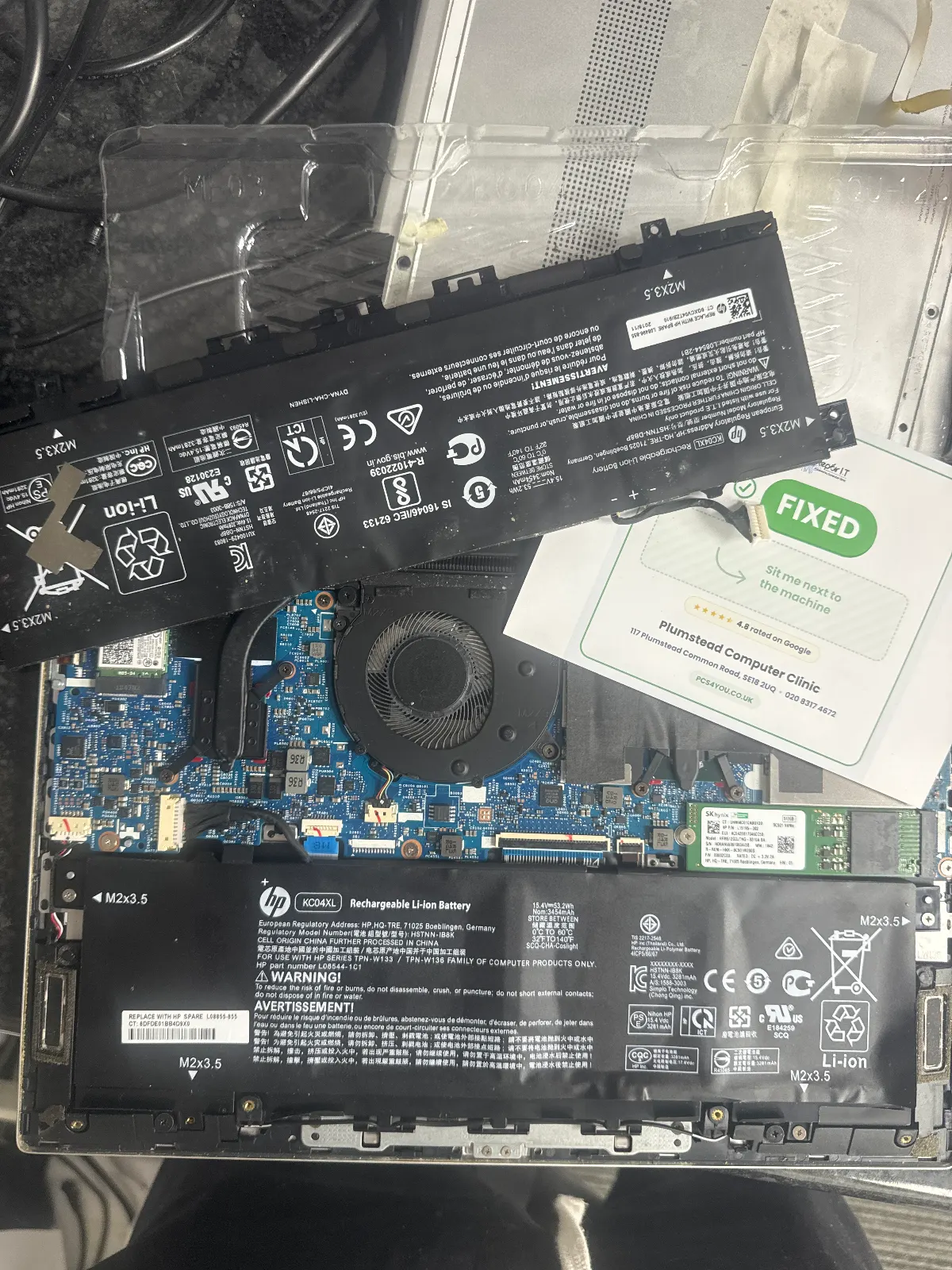
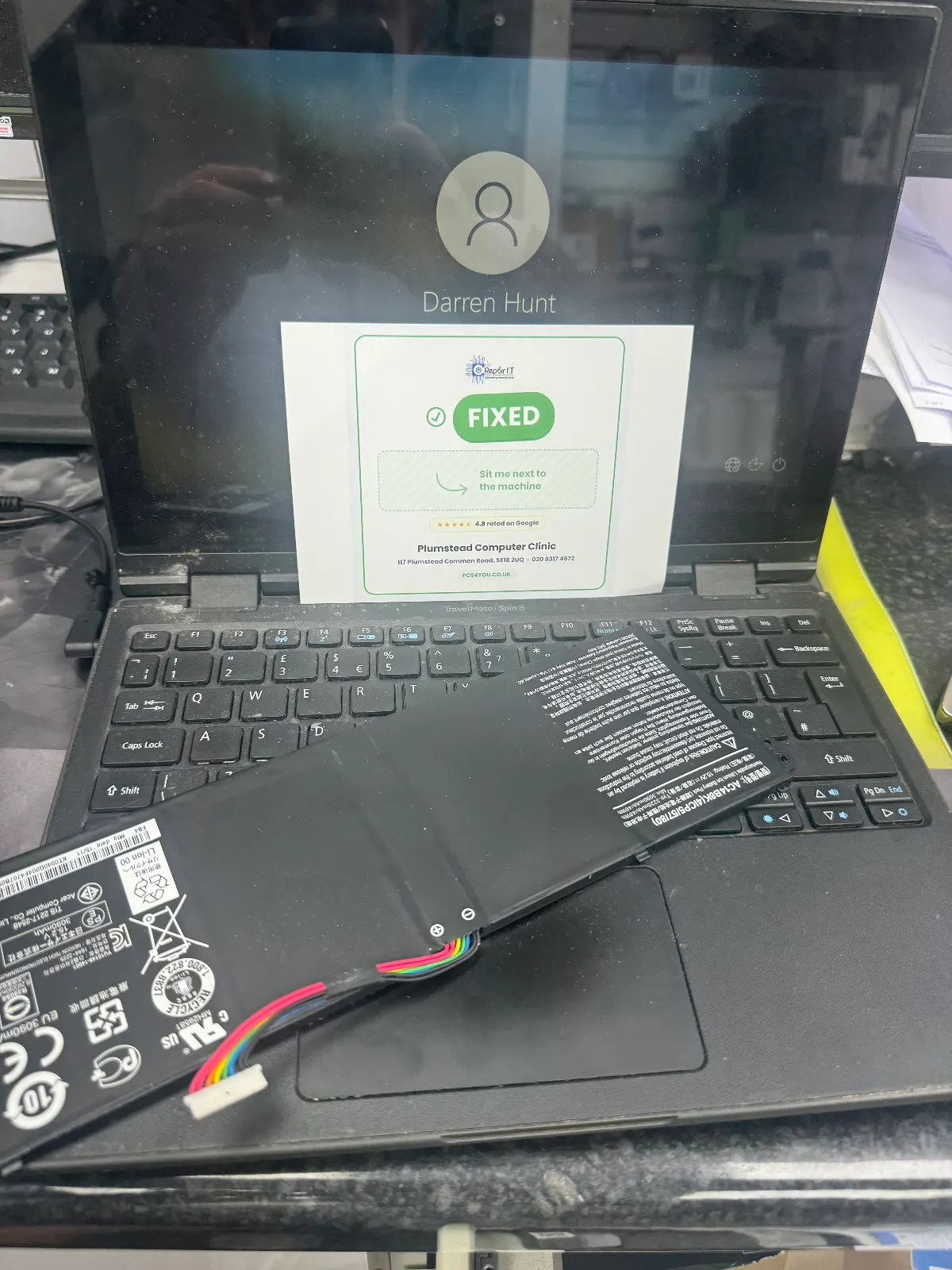
Laptop battery won't hold a charge? We can fit a new one in under an hour, with a 12-month warranty.
Motherboard Repair
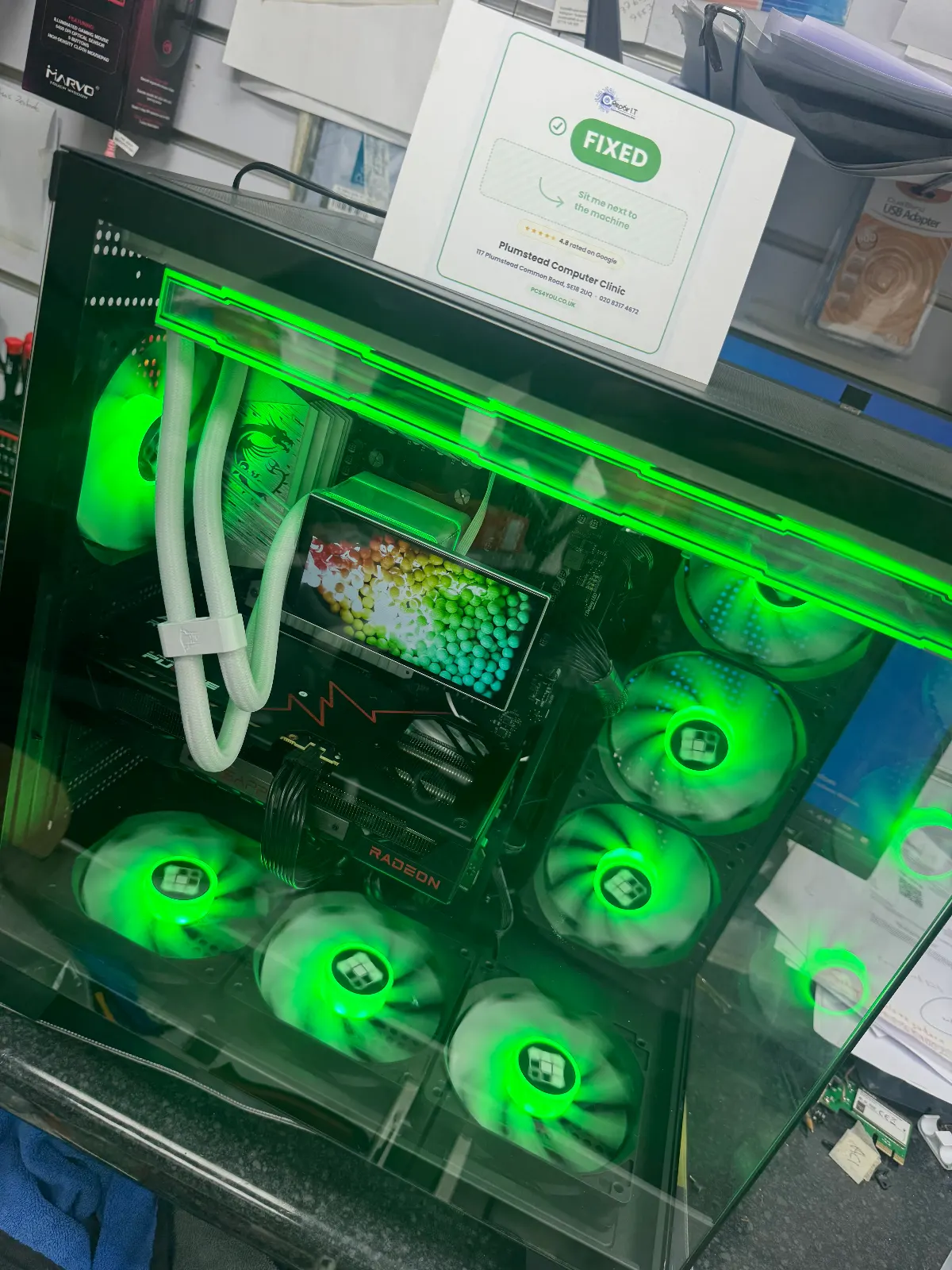
Laptop totally dead? We do board-level repairs other shops won't touch, right here in our Plumstead workshop.
Data Recovery
Lost your files? Clicking hard drive? Bring it in. We'll have a look for free to see what we can get back.
Virus & Malware Removal
Laptop acting weird or full of pop-ups? We'll give it a full clean-up and get it secured, usually same-day.
RAM & SSD Upgrades
Laptop painfully slow? An SSD upgrade is the best money you'll ever spend on it. Done in a couple of hours.
OS Installation
Want a fresh start? We'll do a clean install of Windows or macOS and get your laptop feeling brand new.
Recent Repairs in Welling
MacBook Pro 16 Screen Repair
Pressure crack on the Liquid Retina display. Replaced with a quality panel — colour accuracy restored perfectly.
Dell Inspiron 15 Screen Replacement
Customer dropped their laptop and cracked the LCD panel. We sourced and fitted a brand-new IPS display — returned same day.
MacBook Air M1 Battery Swap
Battery health had dropped to 67% after 3 years of heavy use. Replaced with a genuine-compatible cell — back to 100% health.
HP Pavilion Virus & Malware Clean
Laptop was riddled with adware and a browser hijacker. Full deep clean, security setup, and Windows update completed.
Frequently Asked Questions, Welling
Is there parking near your Welling service point?
Yes, there's ample parking in the area. Contact us for specific directions.
Do you repair Chromebooks in Welling?
Yes, we repair Chromebooks as well as Windows and Mac laptops. Common Chromebook repairs include screen replacement and keyboard fixes.
Why Choose Computer Clinic in Welling?
Local to You
We're based in South East London and serve Welling and surrounding areas. No need to post your laptop — just drop it in.
Same-Day Repairs
Most common repairs are completed the same day. We know you need your laptop back fast.
Free Diagnostics
Not sure what's wrong? We'll diagnose the problem for free, with no obligation to proceed.
No Fix, No Fee
If we can't fix it, you don't pay. It's that simple. Zero risk for you.
90-Day Warranty
All our repairs come with a 90-day warranty for complete peace of mind.
All Brands & Models
From Dell and HP to Apple MacBooks, we repair every major brand and model.
Brands We Repair in Welling
We repair all major laptop brands in Welling including Dell, HP, Lenovo, ASUS, Acer, Apple Mac, MSI, Toshiba, Samsung and more.
What Welling Customers Say
Verified reviews from customers in Welling and nearby areas
"My Lenovo touchscreen stopped working. Popped over from Welling and they fixed it same day. Much cheaper than Lenovo."
Rebecca Stone
Welling • Google Review
"Honest and upfront about pricing. Came from Welling, no hidden charges. Keyboard replacement was perfect."
Mark Reynolds
Welling • Google Review
"Fixed my MacBook Pro that Apple said was beyond repair. Drove over from Welling. Saved me hundreds."
David Thompson
Welling • Google Review
"Needed data recovered from a crashed drive. Came from Sidcup, got everything back. Professional and fairly priced."
Daniel Murray
Sidcup • Google Review
Laptop & Computer Repair in Welling (DA16): When to Fix, What to Expect, and How to Avoid Costly DIY Mistakes
Most people in DA16 assume a misbehaving laptop means an expensive replacement. In practice, computer and laptop repair in Welling is often far cheaper than owners expect, and the fault is frequently something a skilled technician can resolve in a day or two. This guide explains what a competent technician actually checks, how to decide between repair and replacement, and which DIY habits tend to make things considerably worse.

💡 Key Takeaways
- Many hardware faults can be fixed for a fraction of replacement cost, particularly where component-level diagnostics are used.
- A good technician assesses the logic board first and applies a repair-versus-replacement threshold before recommending anything.
- Component-level repair identifies individual faulty parts rather than swapping entire assemblies, and usually costs less.
- Before visiting a shop, run a power cycle test, back up your data, swap the charger, and note your symptoms clearly.
- Always ask for a written quote that separates parts and labour costs.
- Using manufacturer-specified chargers and avoiding static discharge are the two simplest ways to keep future repair bills down.
First assessment: what a competent technician checks before recommending replacement
A spill near Welling Broadway or a knock on the commute can look catastrophic but often isn't. Once the device is opened, many apparently terminal faults turn out to be straightforward. Skipping proper diagnostics, though, risks missing an underlying problem, which can mean data loss or further damage.
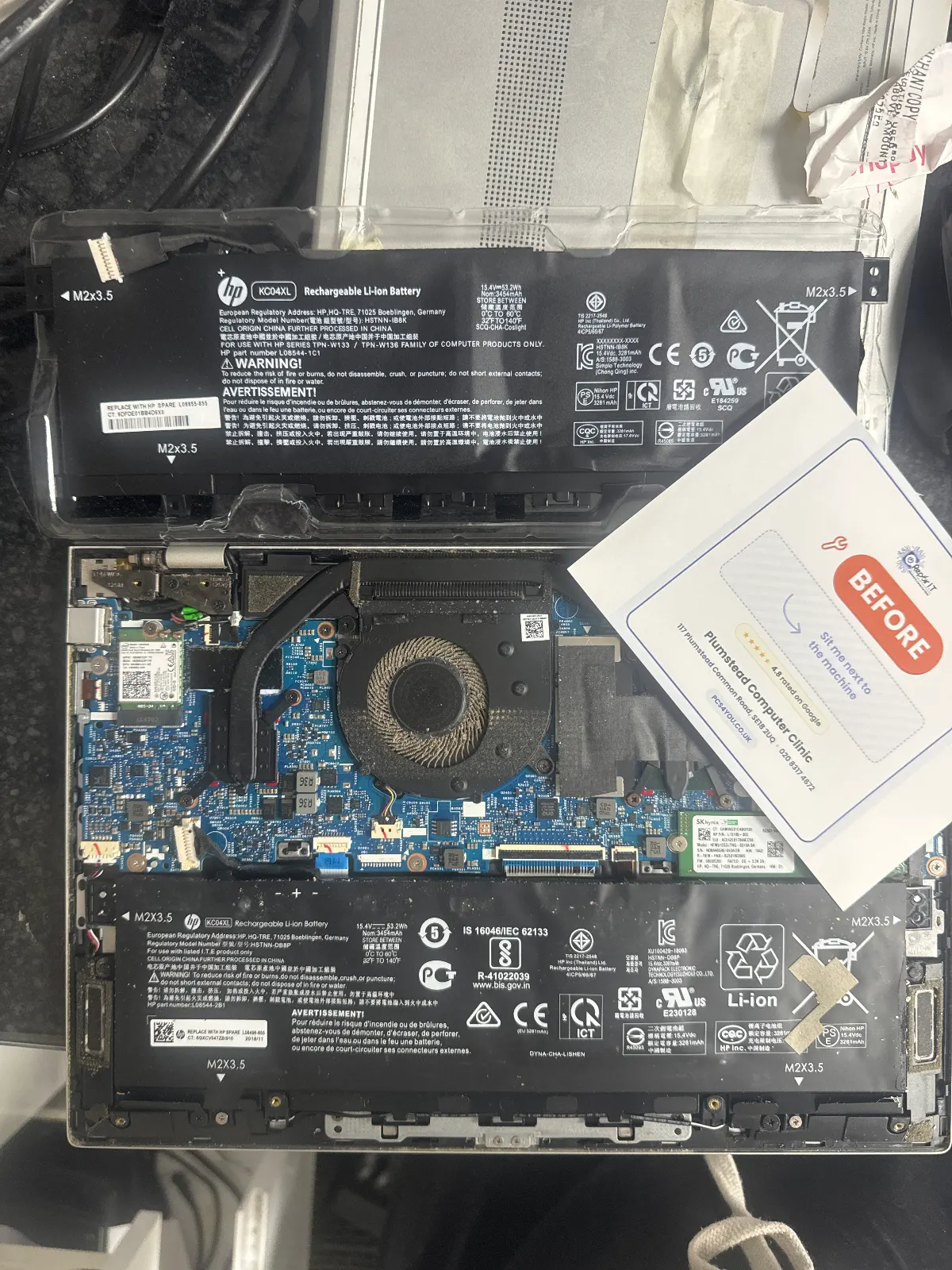
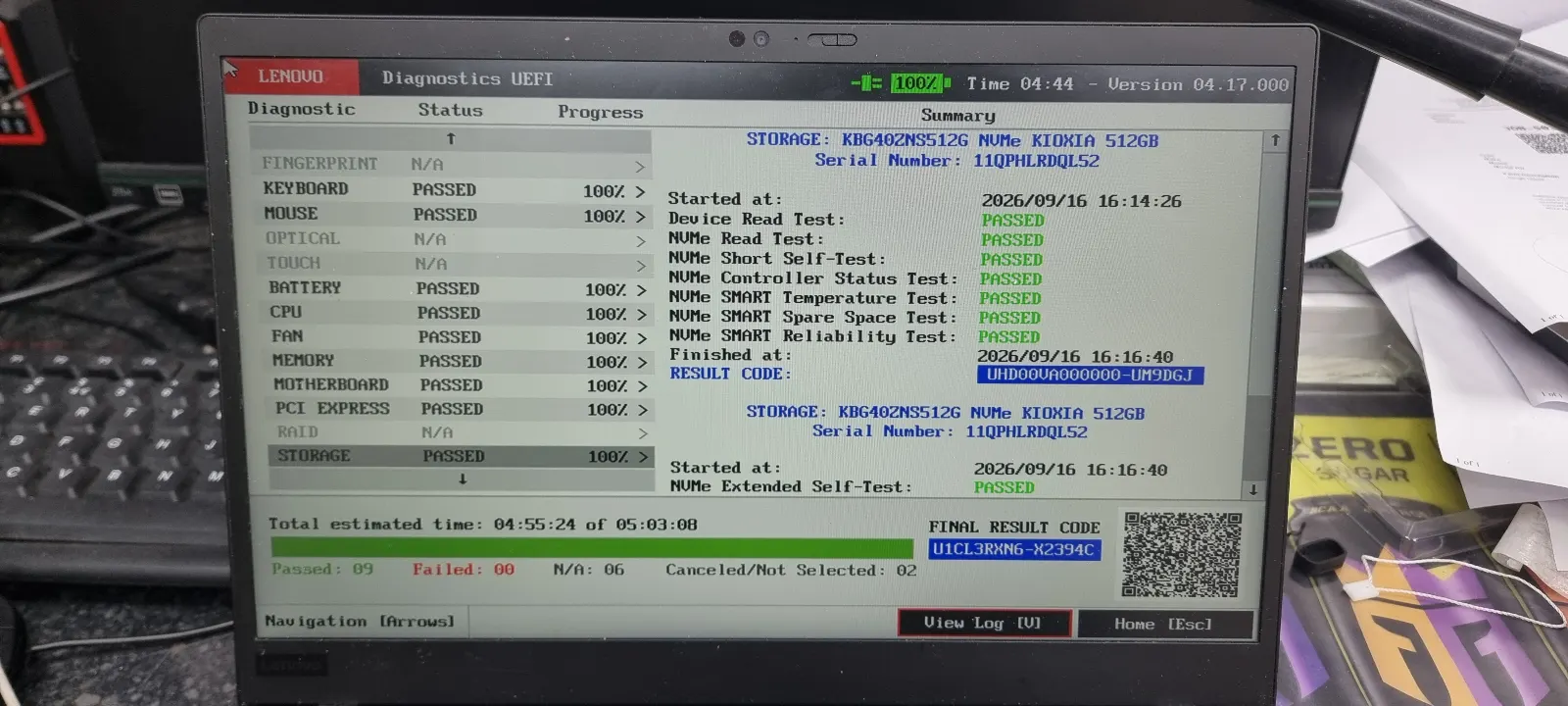
Some shops prioritise replacements over detailed diagnostics. A board-level technician takes the opposite approach. These initial checks are quick, and they reveal a great deal before any serious work begins:
- Charging LED and DC-in jack behaviourcolour or blink states reveal whether the fault lies with the charger, the battery, or the board itself.
- Liquid indicators and corrosionmoisture strips near common ingress points show whether liquid has reached the board.
- Battery health and charge cyclesrapid triage for swollen or failed packs before deeper investigation starts.
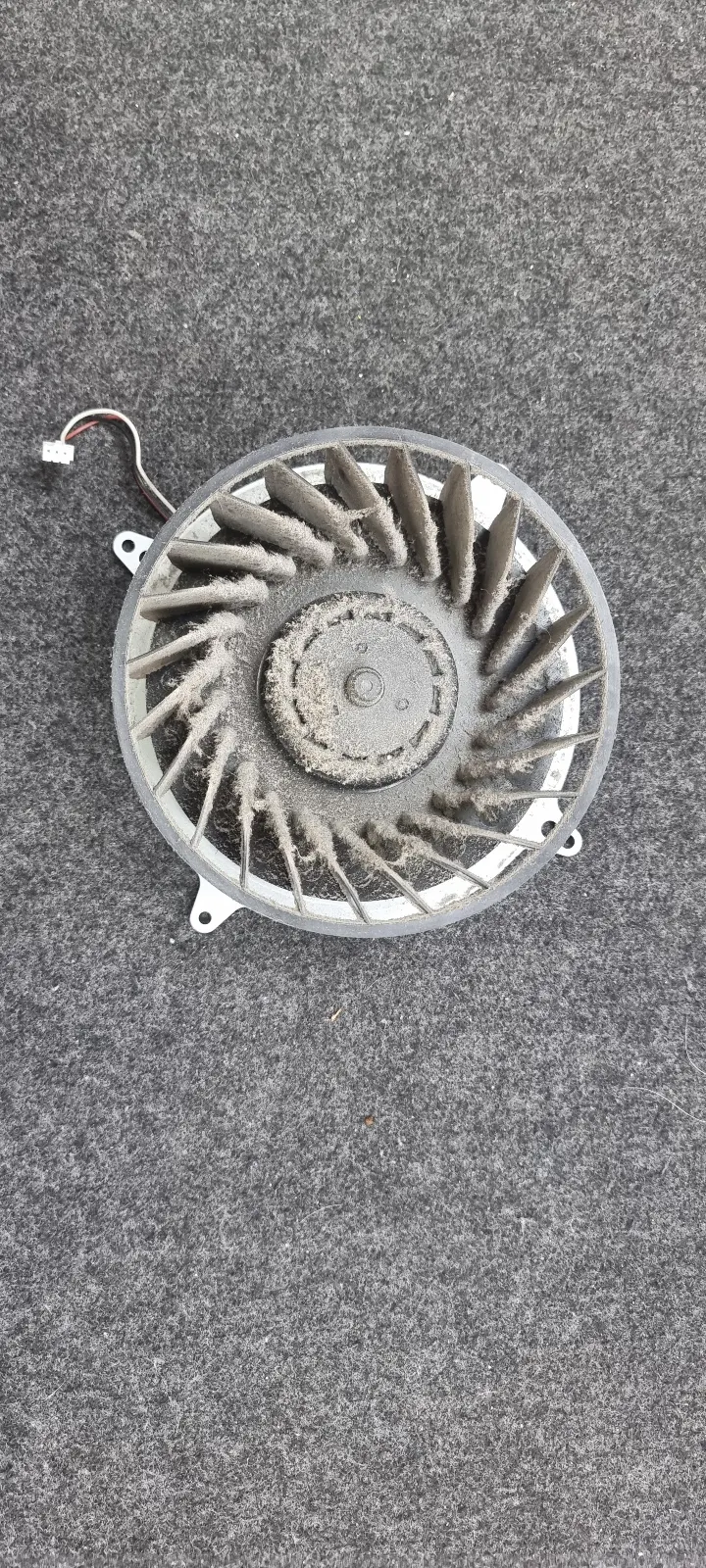
- Fan spin and POST behavioura brief spin followed by immediate shutdown often points to a power delivery or protection fault.
- RAM and SSD seatingdistinguishes a no-boot fault from a no-display fault before drawing conclusions.
- Visual heat damage near power stagesblown components around the DC-in or MOSFETs indicate board-level damage requiring closer inspection.
A technician who skips these steps and goes straight to part-swapping can easily miss the root cause, leaving you with a repaired screen and a failing board, or worse, corrupted data that cannot be recovered. Local computer and laptop repair specialists in Welling DA16 who follow this structured approach resolve faults faster and with fewer return visits.
Logic board integrity and the repair-replacement threshold
The repair versus replacement decision is where quoted repair cost, remaining useful life, and the value of your data all converge. A healthy logic board separates a repairable fault from a write-off.
Many faults that look terminal, such as failed power rails or blown capacitors, can be fixed at component level for considerably less than a full board swap. Once you have an estimate, the threshold is straightforward: when the repair cost approaches or exceeds the device's replacement value, a new machine usually makes more sense. When it sits well below that figure, repair wins.
A professional diagnostic gives you a reliable number to work with. Skipping that step is where many owners end up spending more than they needed to. Board-level technicians typically apply a repair-replacement threshold as a matter of course, because their business depends on honest recommendations and repeat customers.
How component-level repair differs from part-swapping
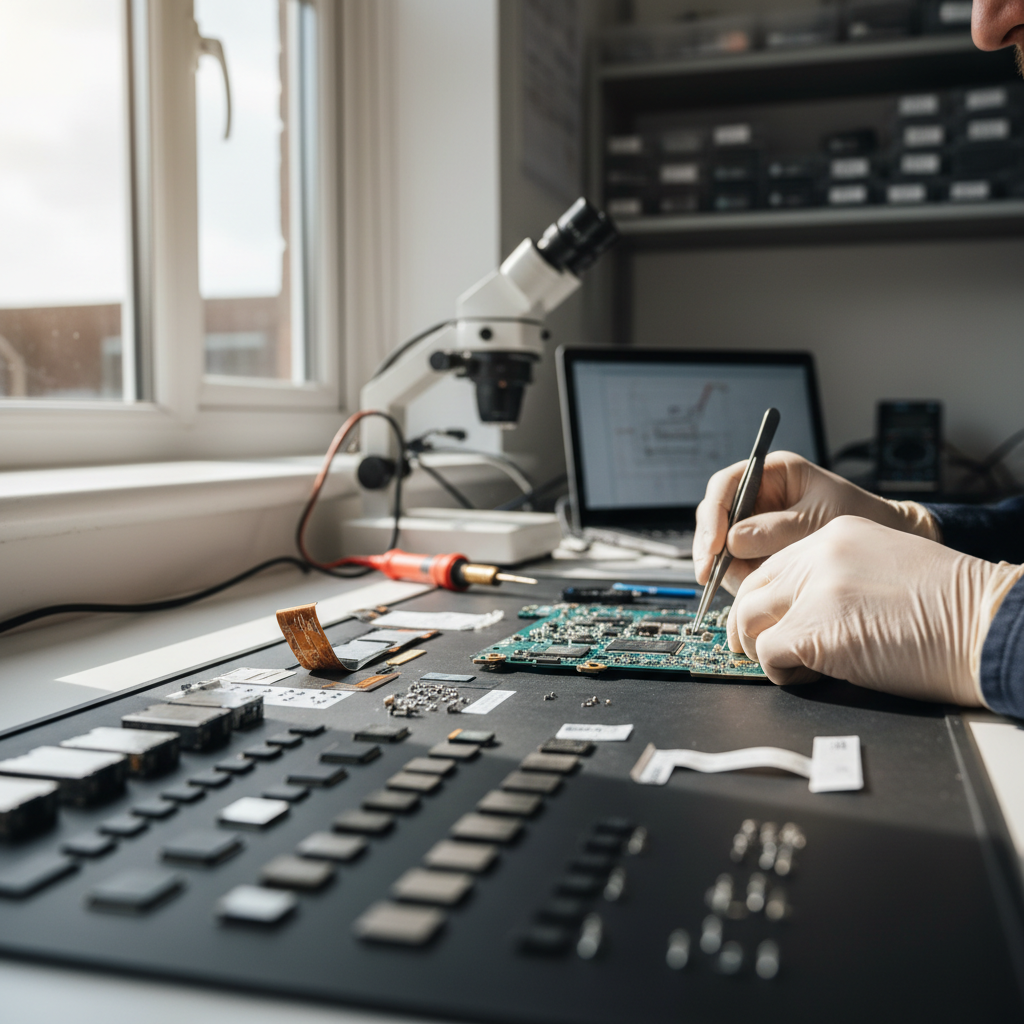
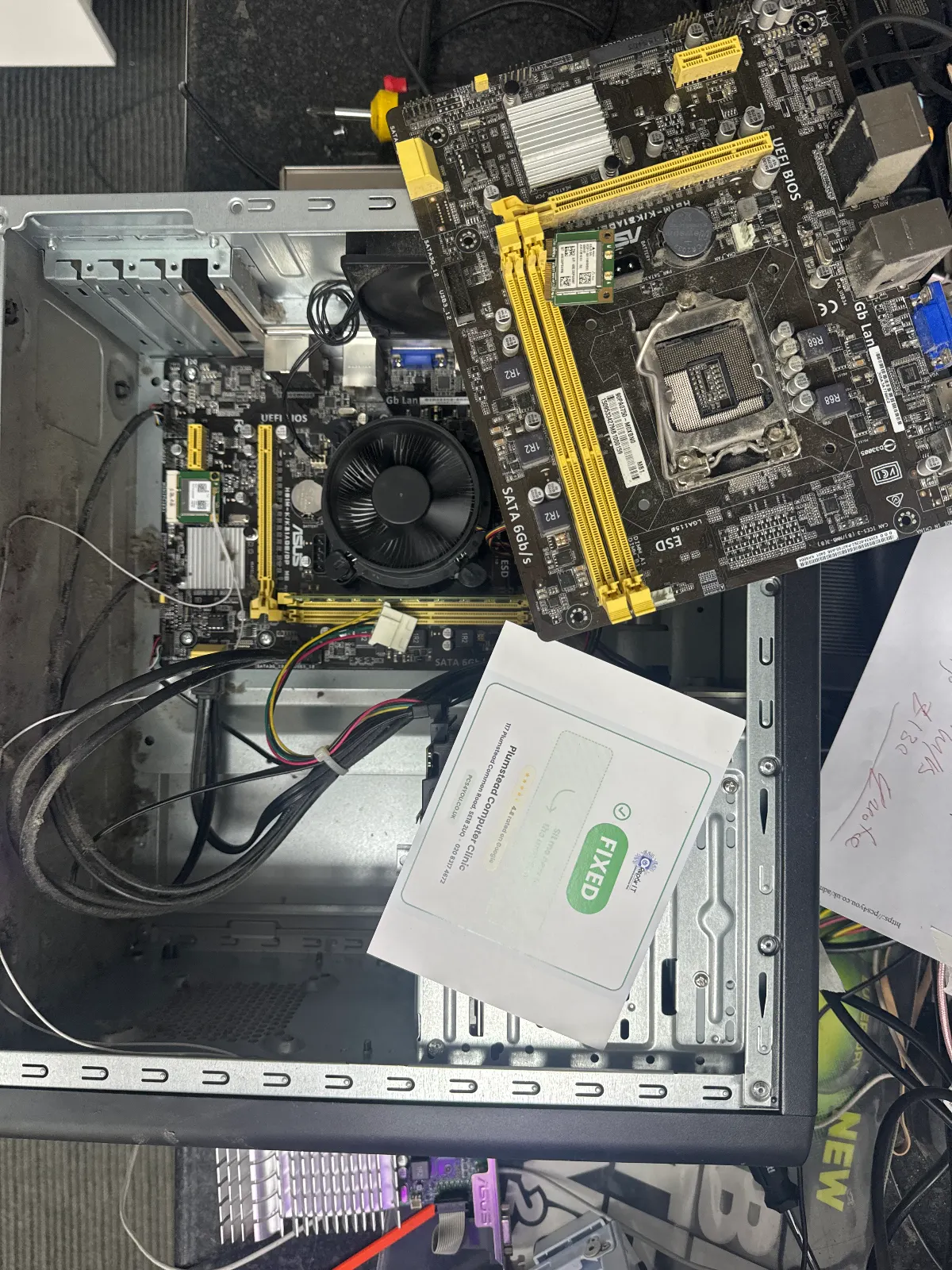
Component-level repair targets the specific failed part on a board rather than replacing the whole assembly. Technicians use microscopes, hot-air rework stations, and boardview schematics to identify and replace individual failed components, such as blown capacitors or damaged MOSFETs. Genuine component-level shops show their test points and explain what was found. Shops that default to whole-assembly swaps often cannot do this, because the diagnostic was never taken that far.
The cost difference can be significant. A board swap might be quoted at several hundred pounds where a targeted component fix costs a fraction of that. It is worth asking which approach a shop takes before you commit.
A reputable shop will also offer a local warranty covering the specific repaired fault, typically for 30–90 days depending on the work involved, and will confirm what that covers before you agree to anything.
Step 1, Power cycle test. Remove the battery if it is user-accessible, then try powering on with the charger only, and again with the battery reinserted. This isolates battery and DC-in faults quickly and is usually the first thing a technician will ask about.
Step 2, Data safeguarding. Back up what you can to an external drive or cloud storage before the device goes in. A recent backup removes pressure from the diagnostic and means the technician can run tests without risking your files. This matters most when the fault is intermittent, because the machine may not power on again once diagnostics begin.
Step 3, Component isolation. Swap the charger with a known-good one and connect an external monitor to rule out a panel fault. Listen for fan spin on startup and locate the model number, usually printed on a sticker on the base. Most owners can rule out the obvious culprits in 10–15 minutes.
Step 4, Prepare for the consultation. Bring the exact model number, a clear description of symptoms, and any error messages or screenshots. It gives the technician a solid starting point and keeps the diagnostic efficient.
What to say at the counter
Ask: "My laptop isn't turning on, does the charging light colour suggest a power rail issue or a dead battery?" Also worth raising: "Are you using OEM-equivalent parts or third-party Grade A panels for this model?" Always request a written quote that separates parts from labour.
If timing matters, ask about estimated turnaround and whether parts are held in UK stock. For computer and laptop repair in Welling DA16, local shops often keep common components on the shelf, which can cut turnaround to a day or two. If high temperatures came up during your own testing, ask about a professional re-paste and thermal audit. On many mid-range machines that costs a fraction of a replacement, and can add years of reliable use.
Common mistakes that escalate repair costs
Using a universal or off-brand charger is one of the most frequent causes of logic board damage seen in local workshops. A charger labelled for your brand is not automatically safe. Incorrect voltage or polarity can fry a board in seconds, and technicians report that it is often the first question they ask when a dead board arrives.
After a liquid spill, do not attempt to power on or charge the device. Bring it in and ask for a data-priority diagnostic so the board can be assessed before further damage sets in. Trying to dry the machine at home, or switching it on to see whether it still works, is one of the most reliable ways to turn a recoverable fault into a full write-off.
Opening the chassis without an anti-static wrist strap or grounded mat is another common escalation. Static discharge is invisible and irreversible. What starts as a simple fan or keyboard swap can become a logic board replacement at significantly greater cost. Professional diagnostics at a local Welling DA16 repair shop remove that risk entirely.
Finally, do not ignore a clicking or grinding noise from a hard drive. Early action improves the chances of successful data recovery considerably. A clicking drive is time-sensitive, so bring it in promptly rather than joining a standard repair queue.
Diagnostics, pricing and turnaround in Welling DA16
Reputable local shops charge a fixed diagnostic fee upfront, typically refundable against the repair if you proceed, with parts and labour quoted separately afterwards. That transparency matters when a price shifts unexpectedly mid-job.
Typical local ranges (examples only, confirm at drop-off): diagnostic fee around £25–£50; battery replacement around £50–£120; screen replacement around £80–£250; board-level repairs vary widely by fault. Software faults are often resolved same-day. Common hardware jobs run two to three working days if parts are in UK stock. Liquid damage or special-order components can push that out considerably, so ask at drop-off if timing is tight.
On parts: OEM-equivalent components match factory specifications but cost more. Grade A third-party panels are cheaper and, in daily use, often difficult to distinguish from the original. Ask what warranty covers both the part and the labour before agreeing. Part choice affects warranty length as well as cost, and shops will not always flag that unless you ask directly.
Why local laptop & computer repair in Welling (DA16) matters
Same-day drop-off near Falconwood, or East Wickham removes transit risk entirely. Posting a device away introduces real exposure: shipping damage, courier delays, and no straightforward way to follow up if something goes wrong. A local technician whose reputation depends on getting it right operates with a very different incentive to an anonymous postal repair service.
Local repair also means faster, more accurate diagnostics. A technician who can physically inspect the device is less likely to misdiagnose a fault and order the wrong part, and many preventable return visits trace back to a diagnostic shortcut taken early on.
Aftercare is also easier to negotiate face to face. Ask for a post-repair test period written into the invoice, along with a software check and a clean. A competent technician will stress-test the repaired component before the device leaves the workshop. That written test period is the difference between a warranty that exists and one that is actually enforceable.
Before committing to a shop, check their Google Business Profile for recent reviews and photos. Confirm opening hours, ask whether they offer a written warranty, and verify that replacement parts are held in UK stock rather than shipped from overseas.
What to bring and what to expect
Bring your charger, the exact model number, a clear fault description, and any error screenshots. If account access is needed for testing, set a temporary login or one-time passcode before handing the device over. Let the shop know if BitLocker or FileVault is active, and do not share your main password. If you are unsure about either, call ahead before drop-off.
Expect a written diagnostic report with parts and labour quoted separately. A good shop will show you the failed component or walk through test results if you ask. If they will not put the post-repair test period in writing, that is worth noting before you agree to anything.
Applying the repair vs replacement test: a worked example
The calculation comes down to three inputs: the repair estimate, the device's realistic remaining lifespan, and the cost of downtime or data loss to you personally. Include travel and wait time in that downtime figure, or the numbers will not reflect reality.
Illustrative example: repair estimate £360, expected remaining life three years, business downtime cost £120 per day. Annualised repair cost works out at £120 per year. A replacement costing £900 with a five-year lifespan gives £180 per year. On those figures, repair wins. But if the job takes two full trading days, that is £240 in lost revenue sitting in the first-year column, and replacement may start to look more sensible. Run the numbers against local part availability and warranty terms before deciding.
If any of the inputs are unclear, a diagnostic appointment for can clarify exactly what is wrong and what it will cost. Getting a precise in-person estimate for computer and laptop repair in Welling DA16 gives you the exact figures needed to make that call with confidence.
Frequently Asked Questions
What is component-level repair?
Component-level repair means diagnosing and replacing individual parts on a device's logic board, such as blown capacitors or damaged power rails, using specialist tools. It is generally far more cost-effective than swapping out entire boards, and a skilled local technician can often turn this around the same day.
How do I know if I need a repair or a replacement?
Weigh the repair quote against the device's realistic remaining lifespan. If the fix costs roughly what a decent replacement would cost over the same period, replacing it is often the smarter call. Do not forget to factor in the value of the data already on the device.
Before bringing a device in for computer or laptop repair in Welling DA16, what should I do?
Try a power cycle, back up your data if possible, and swap the charger to rule out obvious faults. When you visit, bring the model number, a clear description of the problem, and any error messages you have seen. That information speeds the diagnostic up considerably.
What questions should I ask at the repair counter?
Ask whether a power fault points to a power rail issue or a dead battery, and confirm whether any screen replacement uses OEM-equivalent or Grade A panels. Many technicians will not volunteer that distinction unless you ask directly, so it is worth raising before work begins.
How can I avoid mistakes that escalate repair costs?
Use the manufacturer-specified charger. Never open the chassis without an anti-static wrist strap or grounded mat. After a liquid spill, do not attempt to power on or charge the device. Bring it in promptly to a local Welling DA16 repair specialist and request a data-priority diagnostic from the outset.
Need a Repair in Welling?
Call us now for a free, no-obligation quote. Same-day service available for Welling residents.
020 8317 4672