020 8317 4672 Open today 10am – 5pm
    Mon–Wed 10–5 · Thu Closed · Fri 10–5 · Sat 10–1 · Sun Closed
    Repair I.T - Powered by Computer Clinic
    Call Now
    Home/Areas/Greenwich
    Royal Borough of Greenwich • SE10

    Laptop Repair in Greenwich

    Greenwich is just down the road from me. If you’ve cracked a screen or the battery’s given up the ghost, I can sort it. I fix laptops for everyone in SE10 – students, local families, you name it. No big-shop prices, just a proper job from me, Alex.
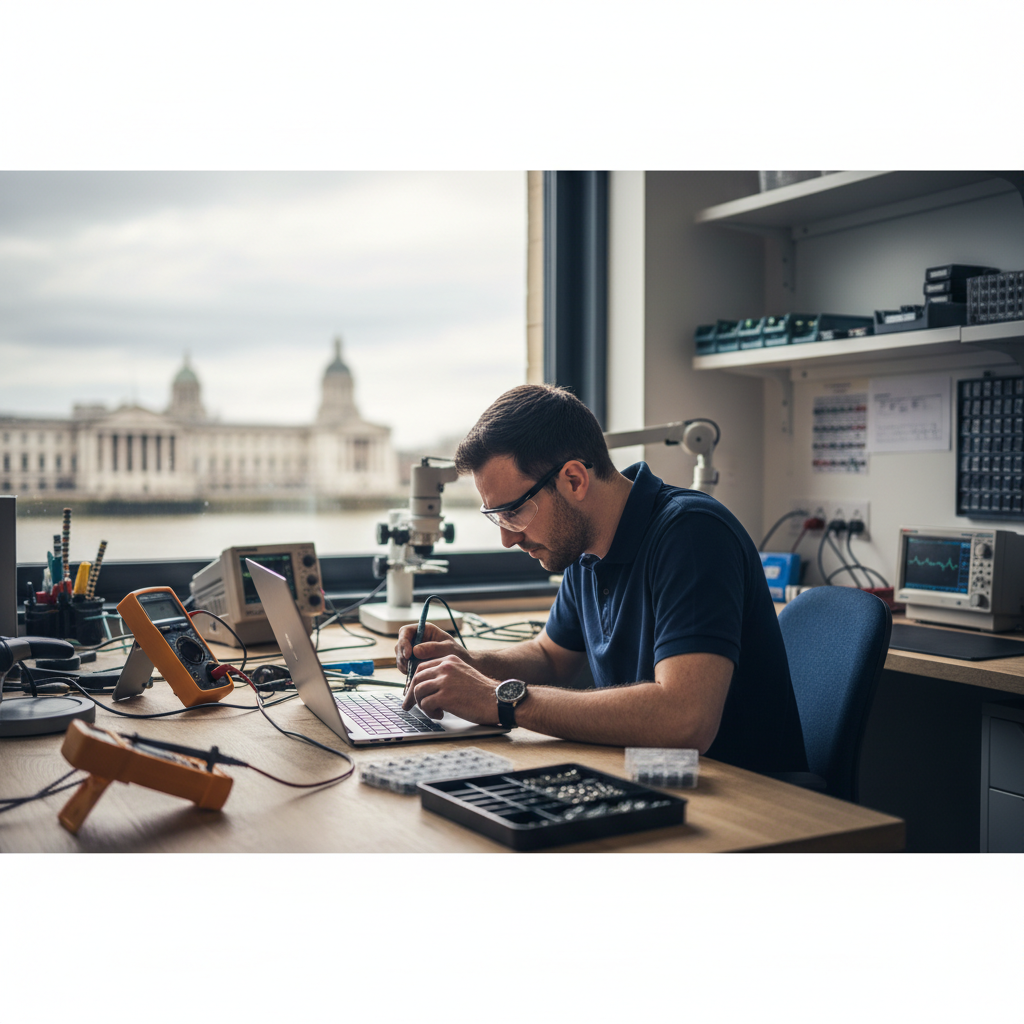
    Laptop repair service in Greenwich, SE10 - same-day repairs available

    Laptop Repair Services for Greenwich Residents

    I see a lot of uni students from Greenwich. Most of the laptops we see from here are just running slow and need a tune-up for coursework. Smashed screens after a tumble in Greenwich Park are a weekly thing, too. A new screen for a standard laptop is usually between £80 and £180. If I don't have it, I'll get it next day. Everything's got a year's warranty. Text me the model number off the bottom of the laptop and I'll give you a proper price.

    Nearby Landmarks

    Cutty Sark, Greenwich Market, Old Royal Naval College, University of Greenwich, Greenwich Park, The O2 Arena

    Getting to Us

    Greenwich is served by Greenwich DLR, Cutty Sark DLR, Maze Hill rail station, and the Greenwich foot tunnel. Easy access from the A206 and A2.

    Repair I.T — Serving Greenwich

    Our branded Repair I.T van is a familiar sight on the streets of Greenwich. We come to you for collections and deliveries — making laptop repair as convenient as possible.
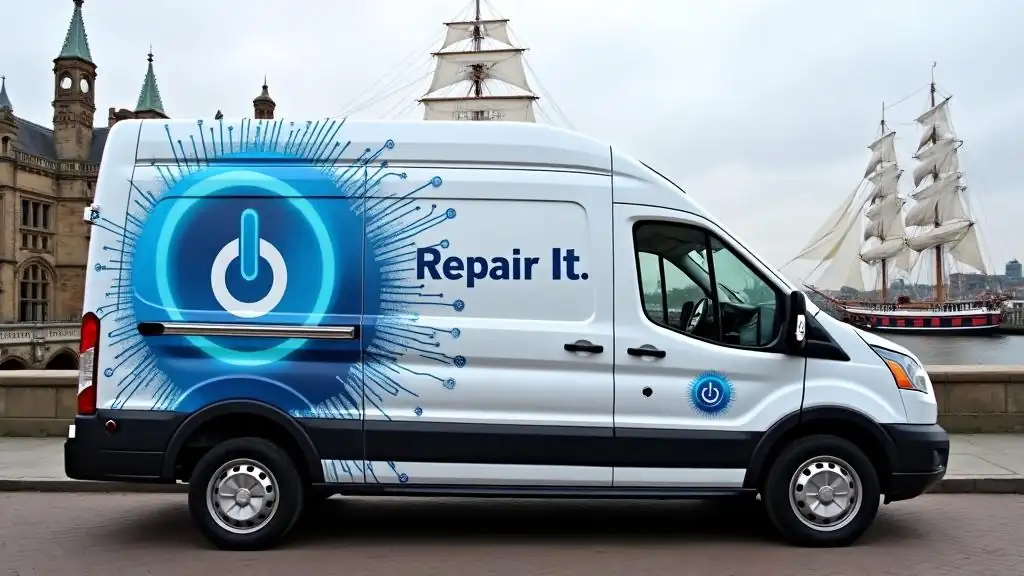
    Repair I.T laptop repair van in Greenwich SE10 near the Cutty Sark - Computer Clinic mobile repair service
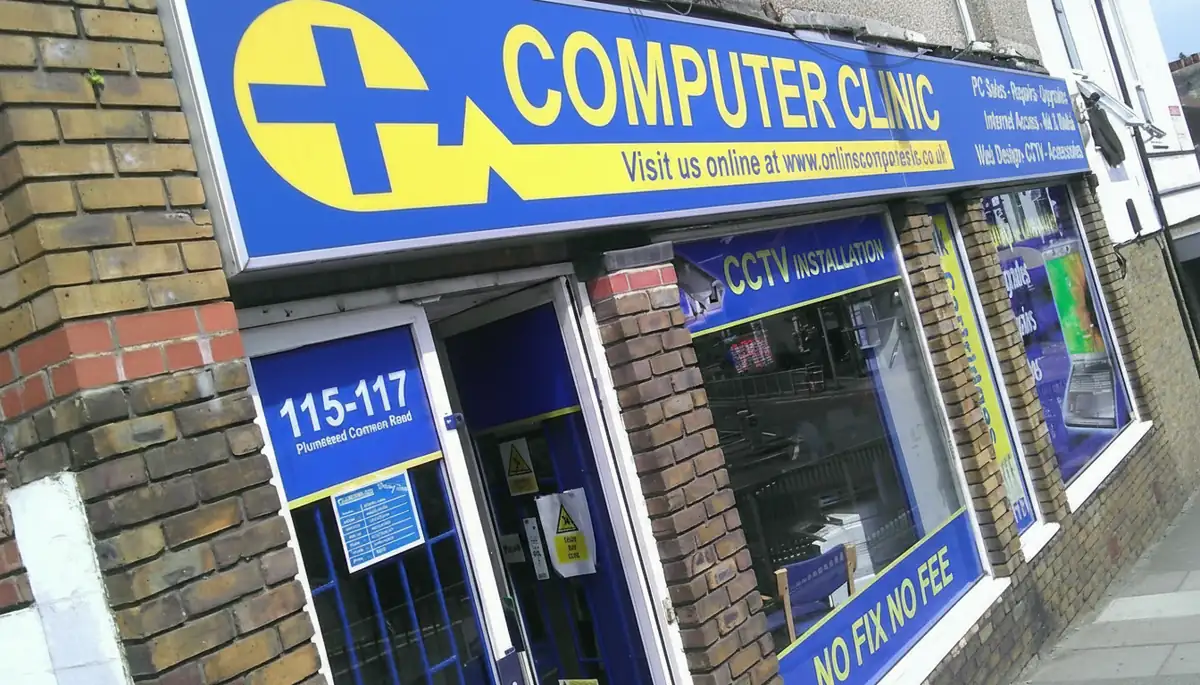
    Computer Clinic repair shop serving Greenwich, SE10, laptop and computer repairs at 115-117 Plumstead Common Road, South East London

    Visit Our Shop, Serving Greenwich

    Drop your laptop into our shop on Plumstead Common Road for a free, no-obligation diagnostic. We've been repairing laptops and computers for the local community for years, with honest pricing and expert care you can trust.

    Address

    115-117 Plumstead Common Rd,
    London SE18 2UQ

    Opening Hours

    Mon – Wed: 10am – 5pm
    Thu: Closed · Fri: 10am – 5pm
    Sat: 10am – 1pm · Sun: Closed

    Google
    4.8
    177 Google reviews
    020 8317 4672

    Repair Services Available in Greenwich

    Screen Repair

    Cracked your laptop screen? We can usually swap it in about an hour at our Plumstead shop. Prices start around £70.

    Keyboard Replacement

    Spilt a cuppa on it? Or just got sticky keys? We can replace most keyboards the same day if the part's in stock.

    Battery Replacement

    Laptop battery won't hold a charge? We can fit a new one in under an hour, with a 12-month warranty.

    Motherboard Repair

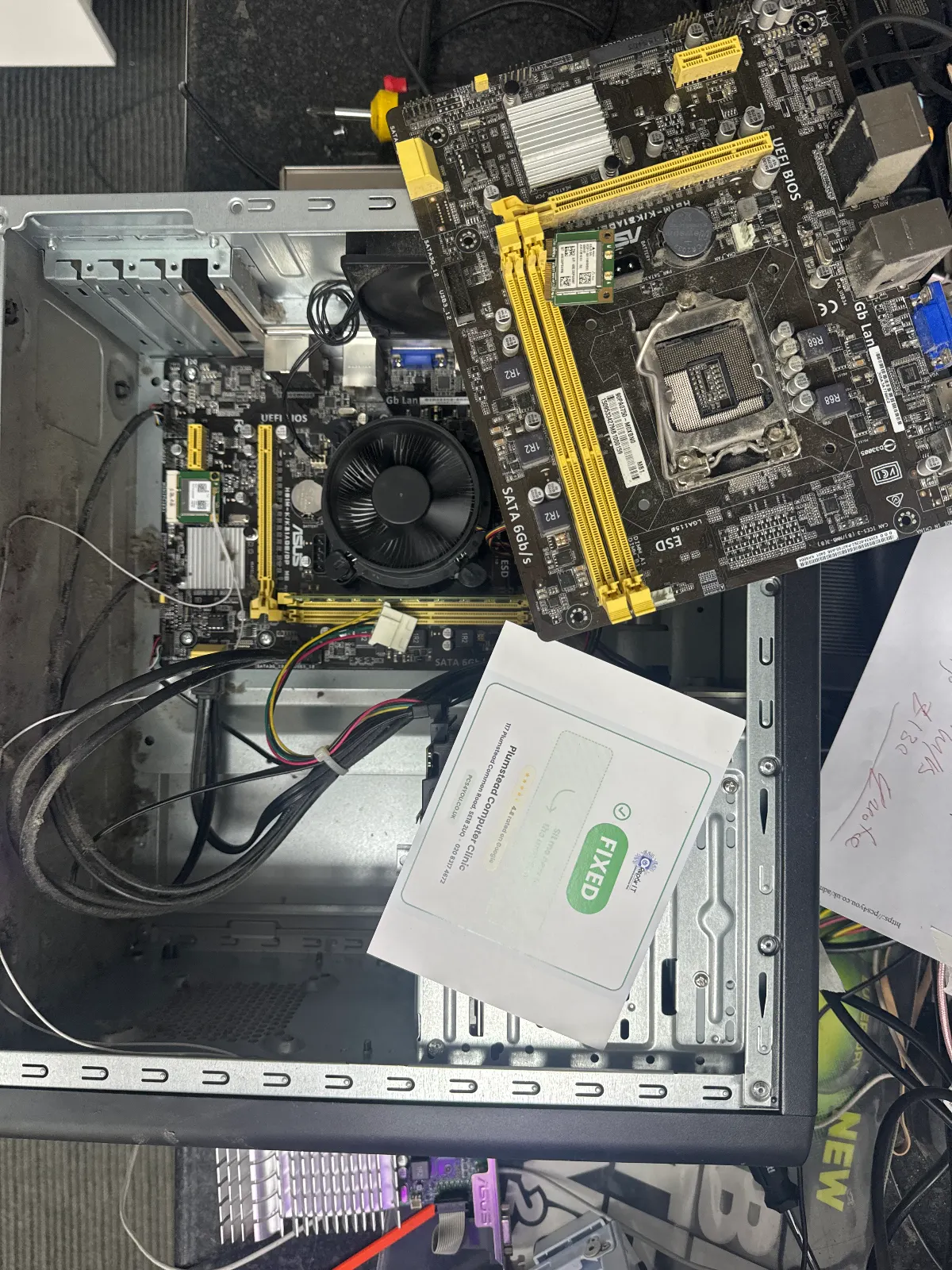
    Laptop totally dead? We do board-level repairs other shops won't touch, right here in our Plumstead workshop.

    Data Recovery

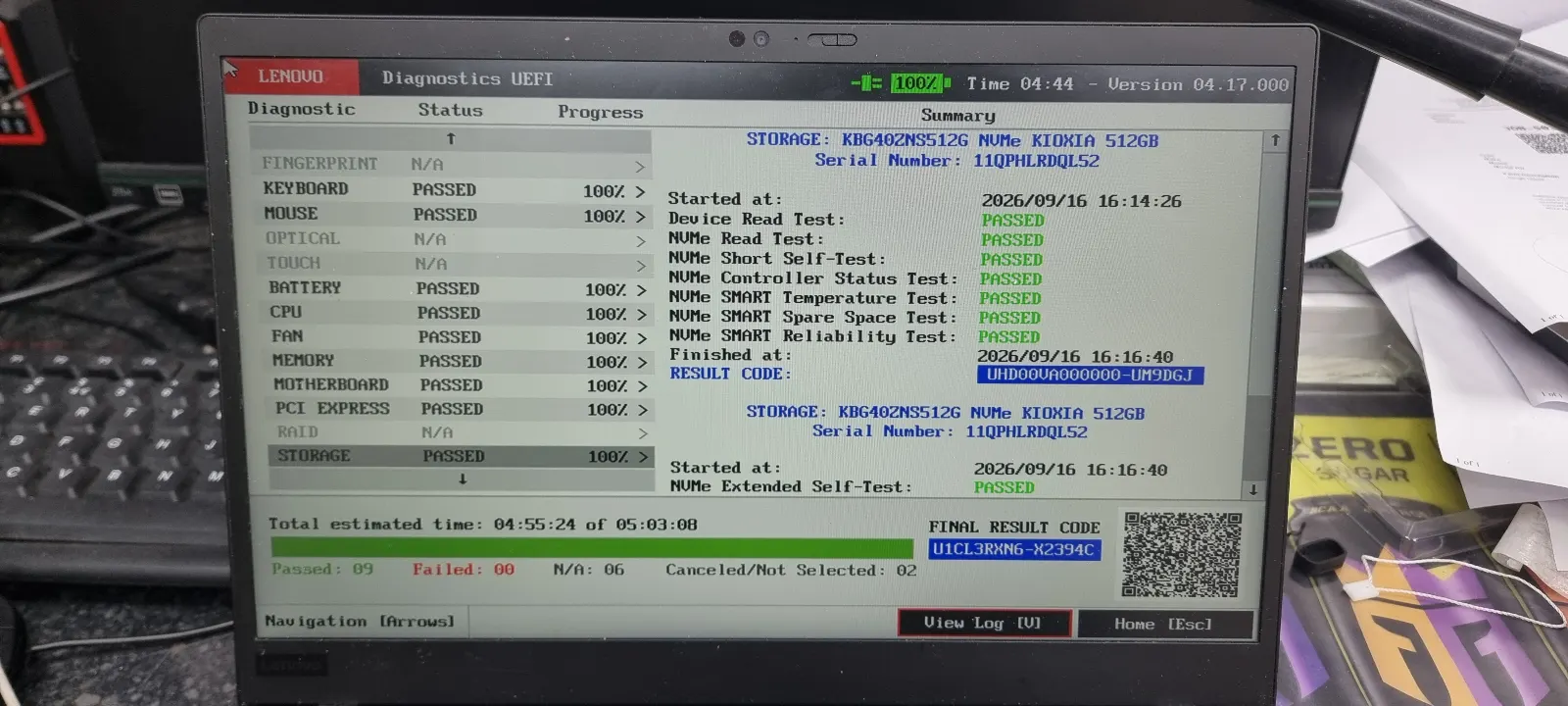
    Lost your files? Clicking hard drive? Bring it in. We'll have a look for free to see what we can get back.

    Virus & Malware Removal

    Laptop acting weird or full of pop-ups? We'll give it a full clean-up and get it secured, usually same-day.

    RAM & SSD Upgrades

    Laptop painfully slow? An SSD upgrade is the best money you'll ever spend on it. Done in a couple of hours.

    OS Installation

    Want a fresh start? We'll do a clean install of Windows or macOS and get your laptop feeling brand new.

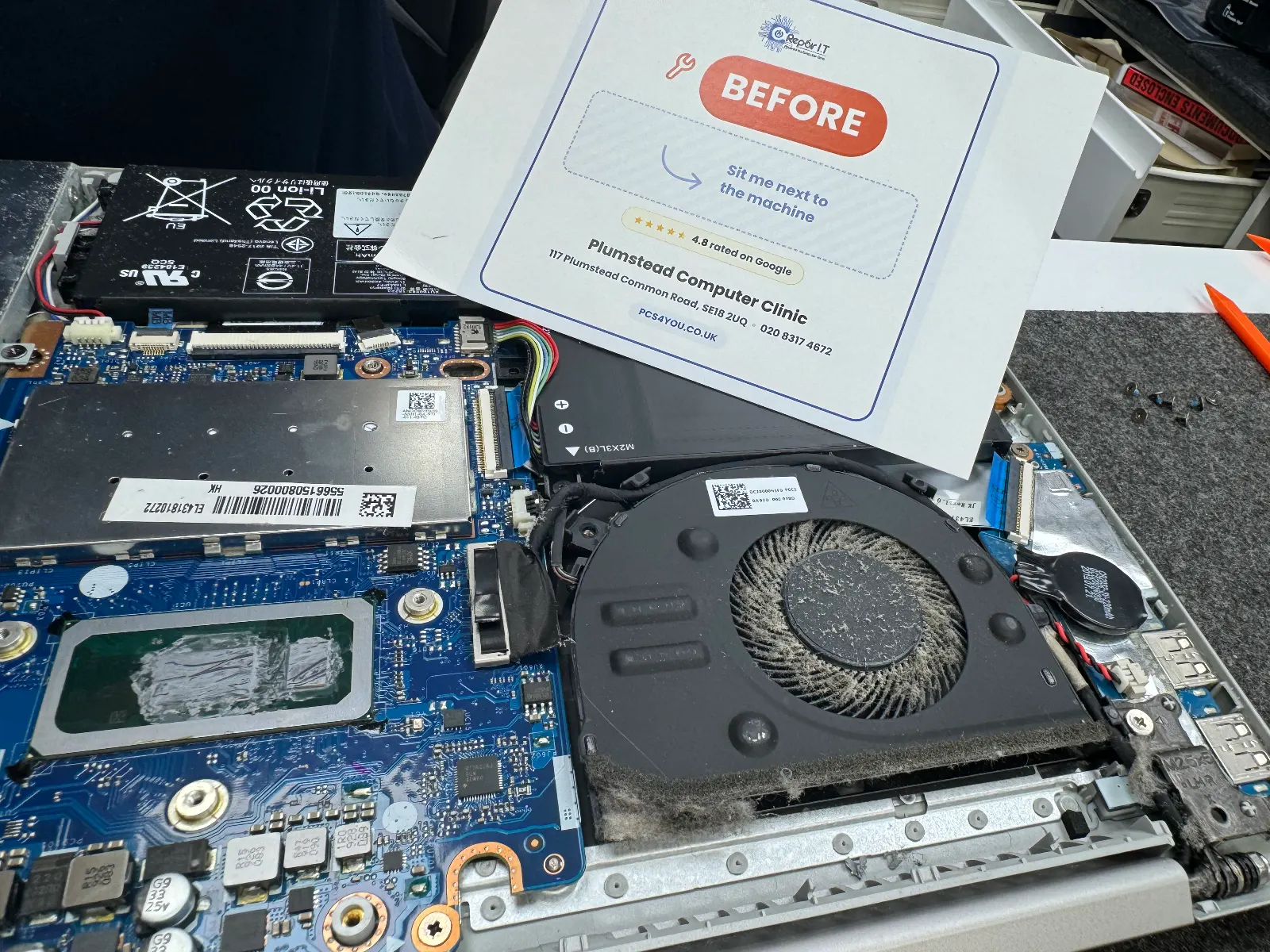
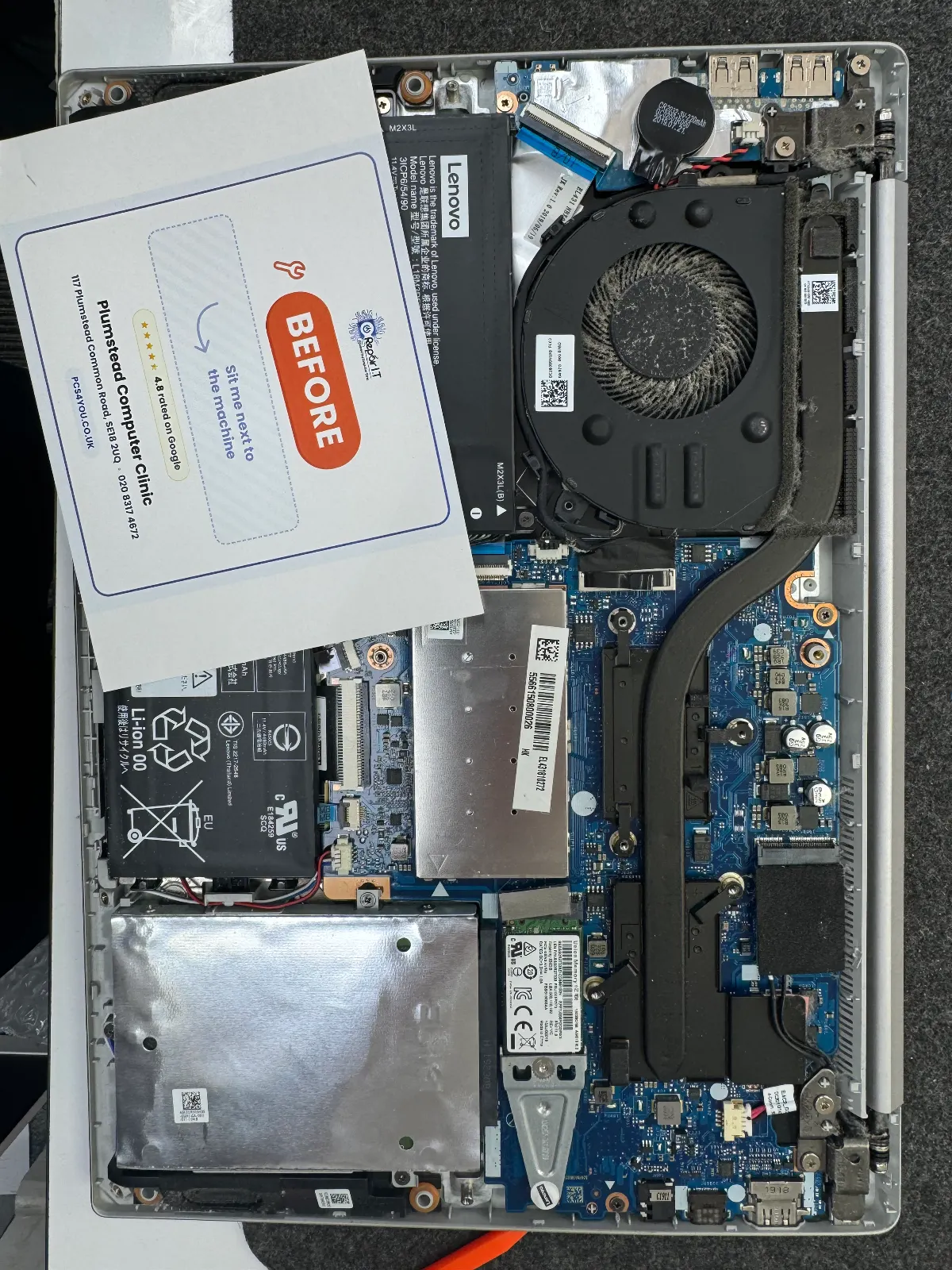
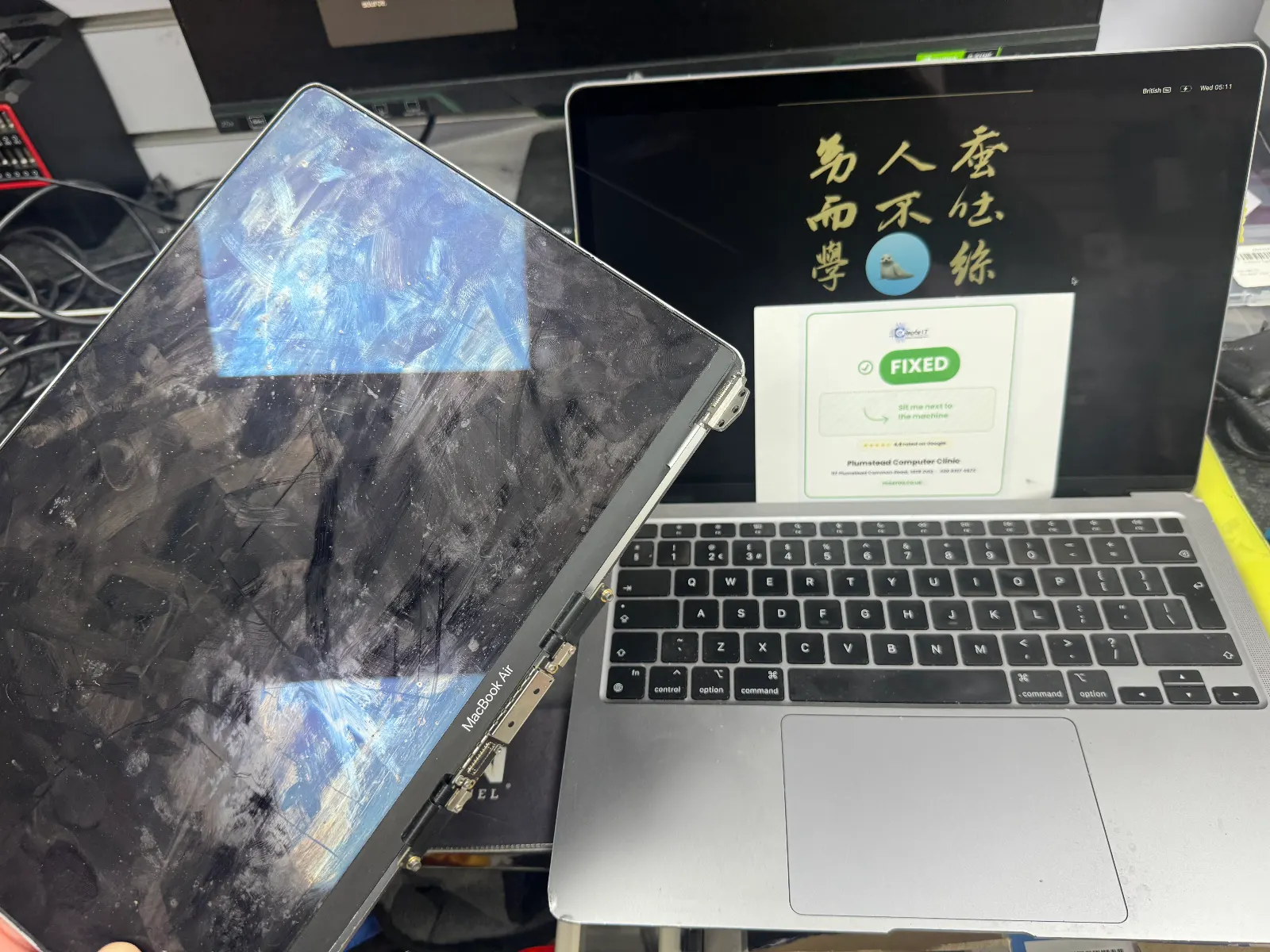
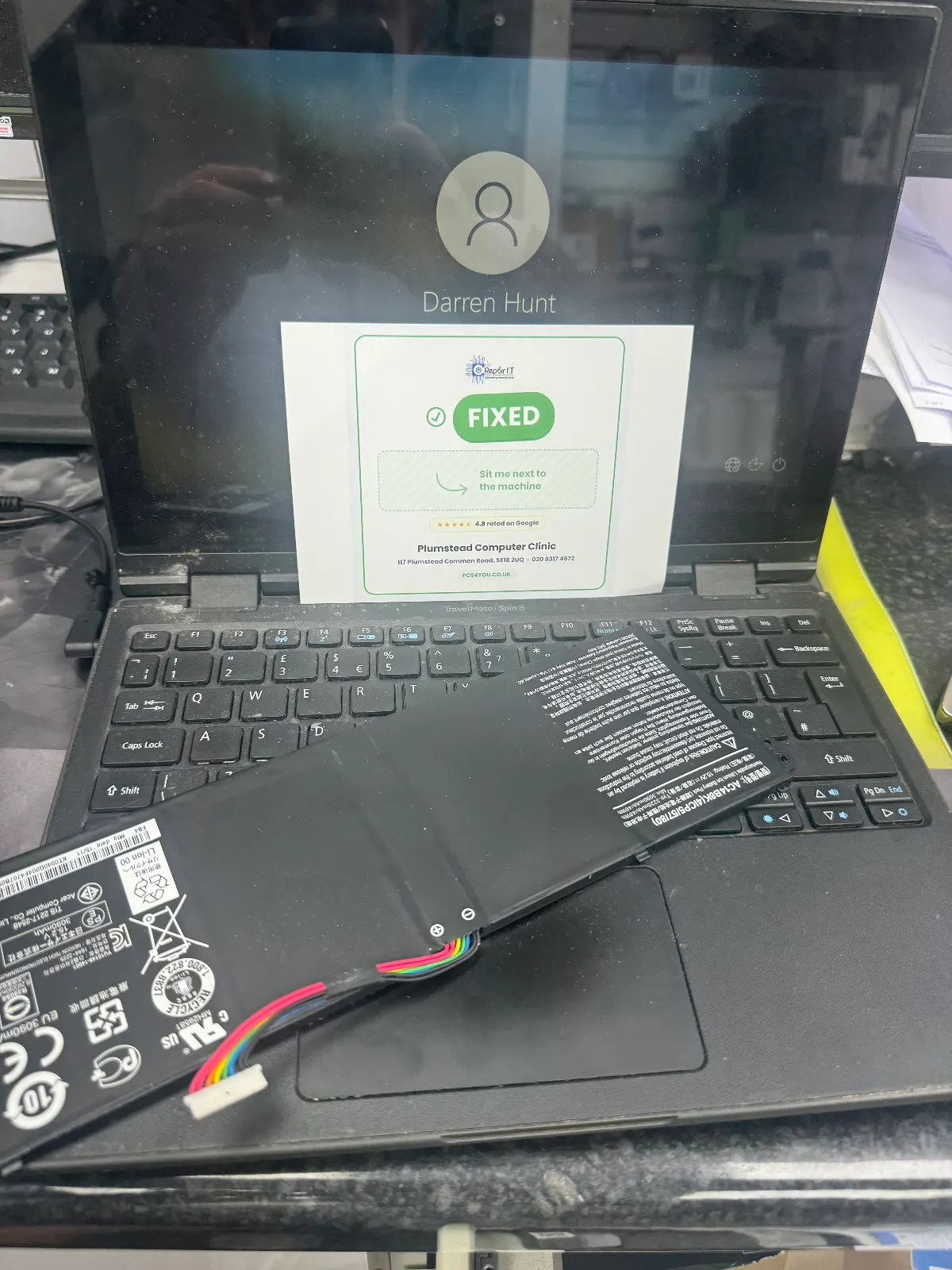
    Recent Repairs in Greenwich

    Apple Mac

    MacBook Air M1 Battery Swap

    Battery health had dropped to 67% after 3 years of heavy use. Replaced with a genuine-compatible cell — back to 100% health.

    Greenwich Same day
    MSI

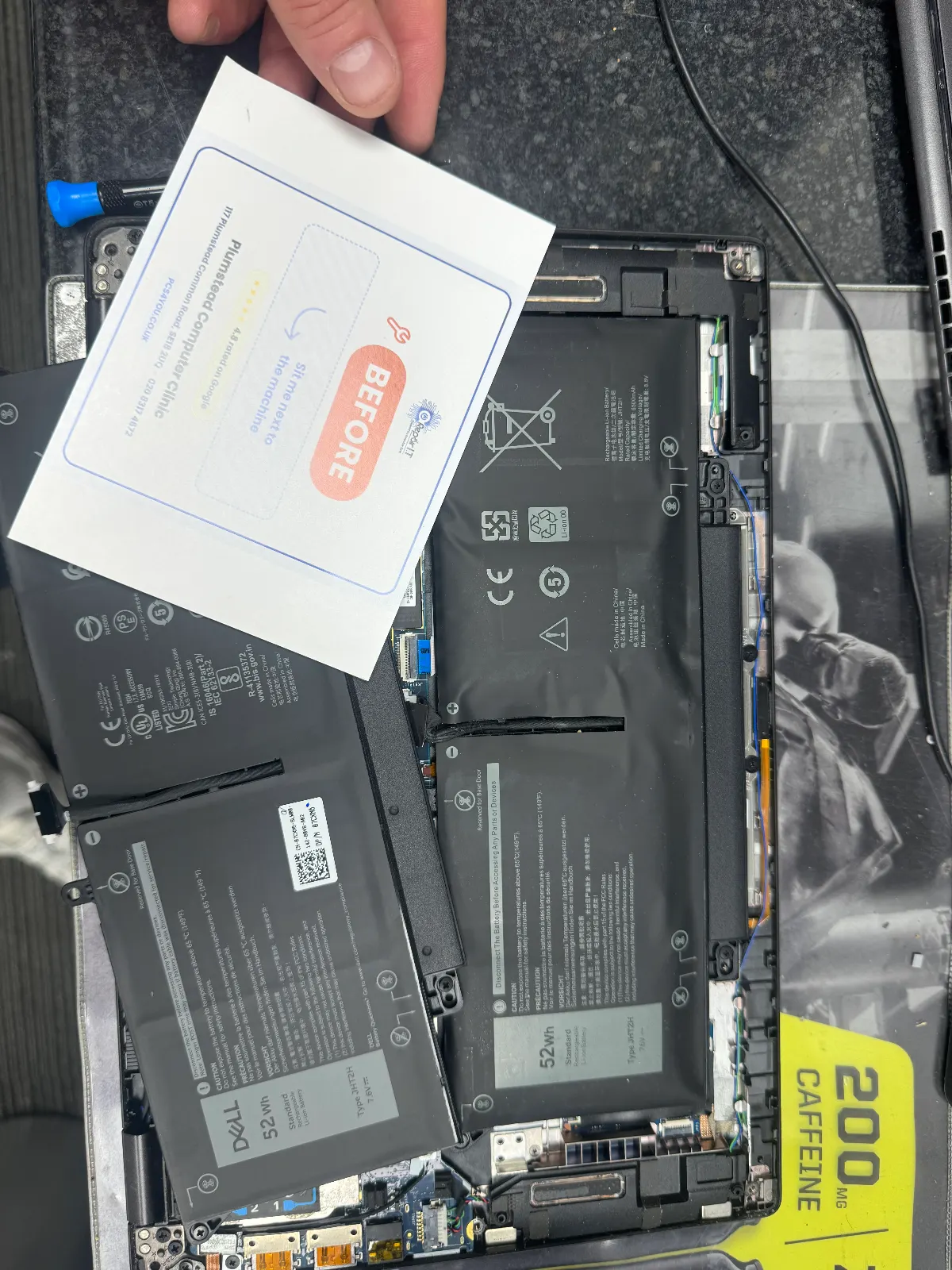
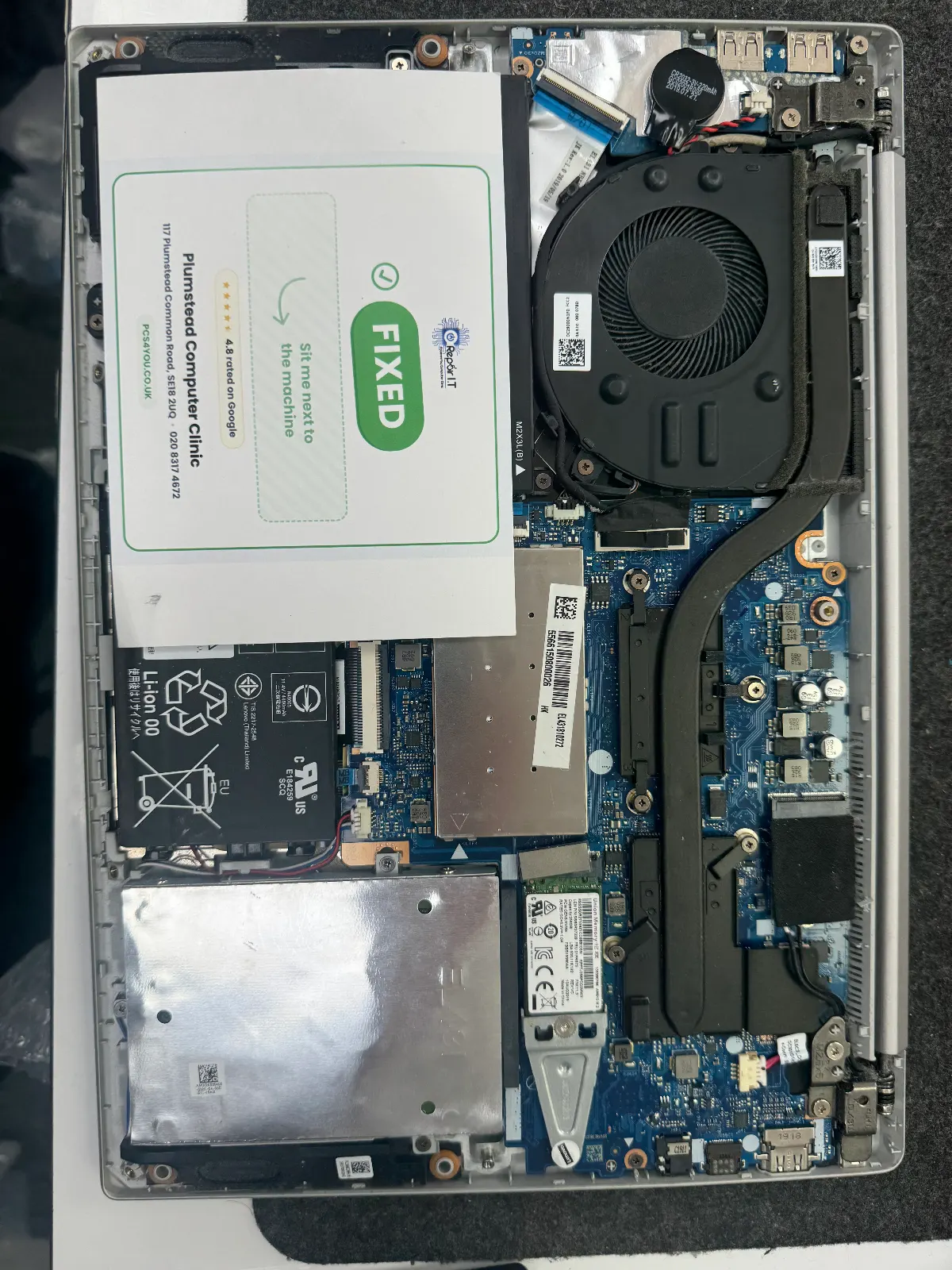
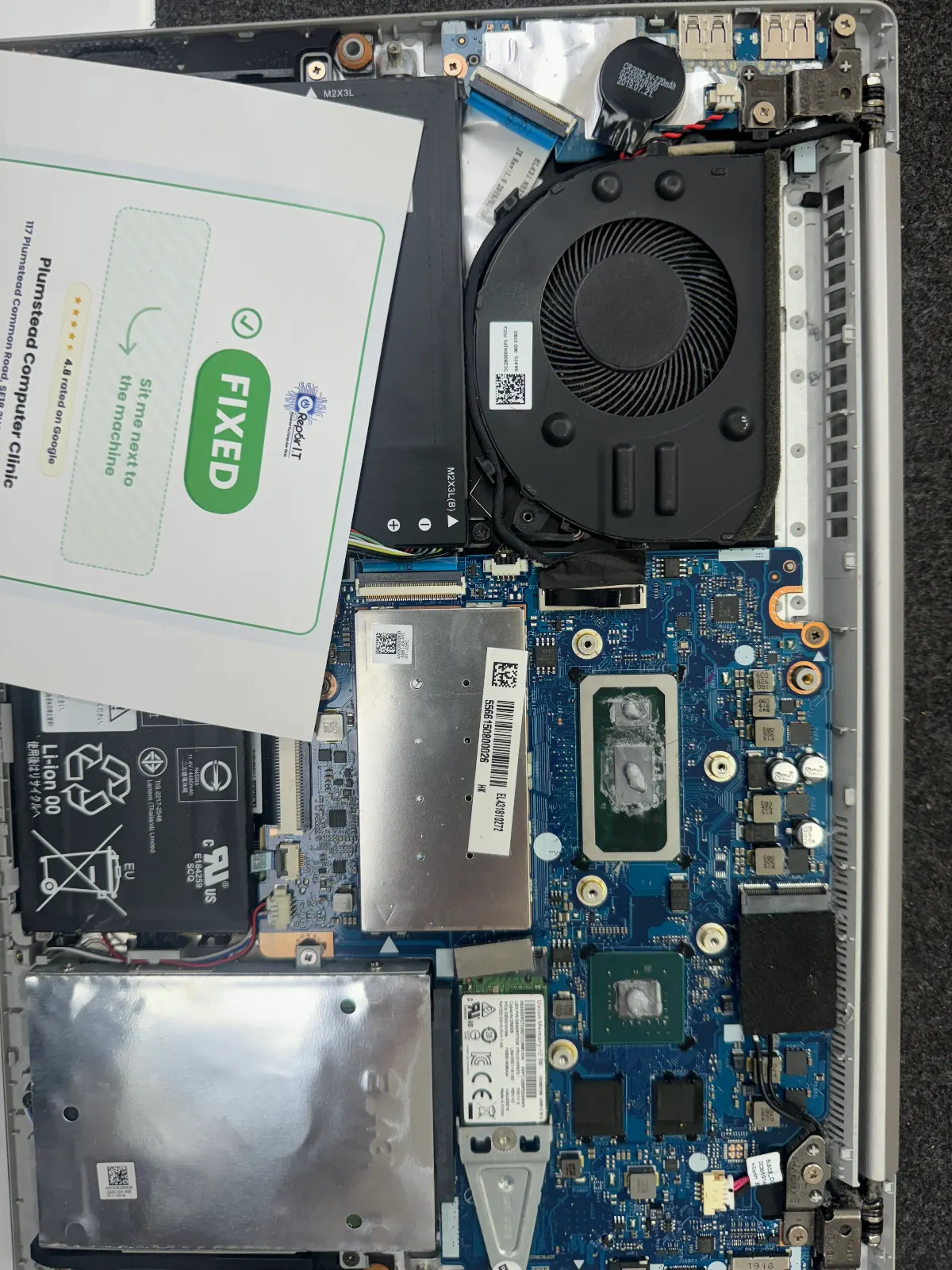
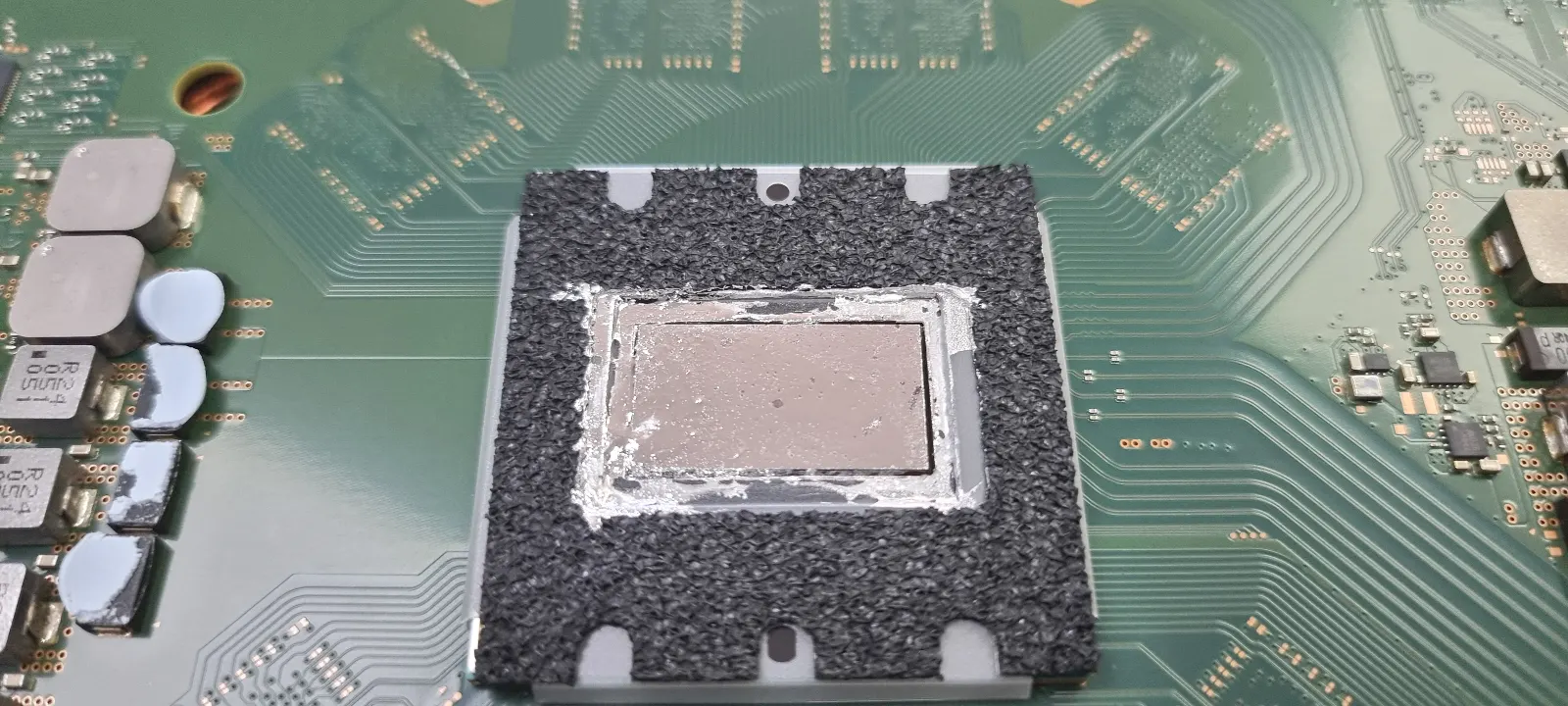
    MSI Gaming Laptop Thermal Repaste

    Overheating during gaming sessions causing throttling. Full thermal clean, repaste with quality compound — temps down 15°C.

    Greenwich Same day
    Dell

    Dell Inspiron 15 Screen Replacement

    Customer dropped their laptop and cracked the LCD panel. We sourced and fitted a brand-new IPS display — returned same day.

    Woolwich Same day
    HP

    HP Pavilion Virus & Malware Clean

    Laptop was riddled with adware and a browser hijacker. Full deep clean, security setup, and Windows update completed.

    Plumstead Same day

    Frequently Asked Questions, Greenwich

    Do you repair laptops for University of Greenwich students?

    Absolutely! We offer competitive student-friendly prices and fast turnaround so you're not without your laptop during term time.

    Where are you located relative to Greenwich?

    We serve the whole of Greenwich SE10. Contact us for drop-off details or to arrange collection.

    Why Choose Computer Clinic in Greenwich?

    Local to You

    We're based in South East London and serve Greenwich and surrounding areas. No need to post your laptop — just drop it in.

    Same-Day Repairs

    Most common repairs are completed the same day. We know you need your laptop back fast.

    Free Diagnostics

    Not sure what's wrong? We'll diagnose the problem for free, with no obligation to proceed.

    No Fix, No Fee

    If we can't fix it, you don't pay. It's that simple. Zero risk for you.

    90-Day Warranty

    All our repairs come with a 90-day warranty for complete peace of mind.

    All Brands & Models

    From Dell and HP to Apple MacBooks, we repair every major brand and model.

    Brands We Repair in Greenwich

    We repair all major laptop brands in Greenwich including Dell, HP, Lenovo, ASUS, Acer, Apple Mac, MSI, Toshiba, Samsung and more.

    DellHPLenovoASUSAcerApple MacMSIToshibaSamsung

    Also Serving Nearby Areas

    WoolwichLewishamWellingSidcupPlumsteadErithBexleyheathDartfordCrayford
    Google Reviews

    What Greenwich Customers Say

    4.8
    (177 reviews)

    Verified reviews from customers in Greenwich and nearby areas

    Google

    "Best, quick service and friendly staff. I travelled from Greenwich and it was well worth the trip."

    Valentina Ghiban

    Greenwich • Google Review

    Google

    "My Dell wouldn't charge at all. Came over from Greenwich and they diagnosed and fixed it within hours."

    Lisa Chen

    Greenwich • Google Review

    Google

    "I've recommended Computer Clinic to all my friends in Greenwich. Always honest, always helpful. Five stars."

    Karen Phillips

    Greenwich • Google Review

    Google

    "He kept within budget and I essentially have a new machine for a great price. Worth the trip from Lewisham."

    Jack Stiles

    Lewisham • Google Review

    View all 177 reviews on Google

    Computer & Laptop Repair in Greenwich (SE10): How to Close the Diagnostic Gap and Get It Fixed Right

    Quick answer

    computer laptop repair Greenwich se10

    For fast, reliable computer and laptop repair in Greenwich (SE10): book an on-site diagnostic, agree a fixed diagnostic fee and written parts-and-labour quote, and confirm part warranty and provenance before any work begins.

    1. Book an on-site diagnostic with a local SE10 workshop.
    2. Obtain a fixed diagnostic fee plus a written parts-and-labour quote before any work starts.
    3. Confirm the repairer will photograph faulty parts and provide a parts warranty.

    💡 Key Takeaways

    • The "Diagnostic Gap" is the window between a device failing and getting a proper technical assessment.
    • Reliable repair shops perform soldering, component swaps, and testing on-site, offering faster turnaround and clear accountability.
    • Before handing over your device, confirm repairs are done on-site, ask for a fixed diagnostic fee and written quote, verify data privacy, and check part warranty.
    • Common mistakes include using cheap generic chargers, delaying repairs, and choosing shops that offer no post-repair warranty.
    • Repair usually makes sense when the quoted cost is less than roughly one-third of a comparable new device, though device age and condition always affect that calculation.
    • Prioritise on-site diagnostics when searching for laptop or computer repair in Greenwich (SE10). A local workshop can often run a same-day assessment if your device is showing early signs of trouble.

    Stop Guessing, Start Diagnosing

    Most laptop problems in SE10 are not what they look like. A machine that crashes in a Greenwich café or dies on the DLR may feel like a software issue, but a hardware fault is often quietly behind it, and that single misjudgement can turn a straightforward fix into a far costlier one. This guide focuses on one thing: closing the diagnostic gap so the job gets done properly.

    A local workshop can usually assess your device the same day. Calling ahead to check availability takes two minutes and can save you considerably more time later.

    Drawn from repeat faults SE10 technicians see around Cutty Sark DLR, Maze Hill and Greenwich Market.

    The Diagnostic Gap: Why It Matters in SE10

    The diagnostic gap is the window between something going wrong and someone actually identifying why. During that time, owners buy the wrong parts, accept temporary fixes, and let underlying damage quietly deepen.

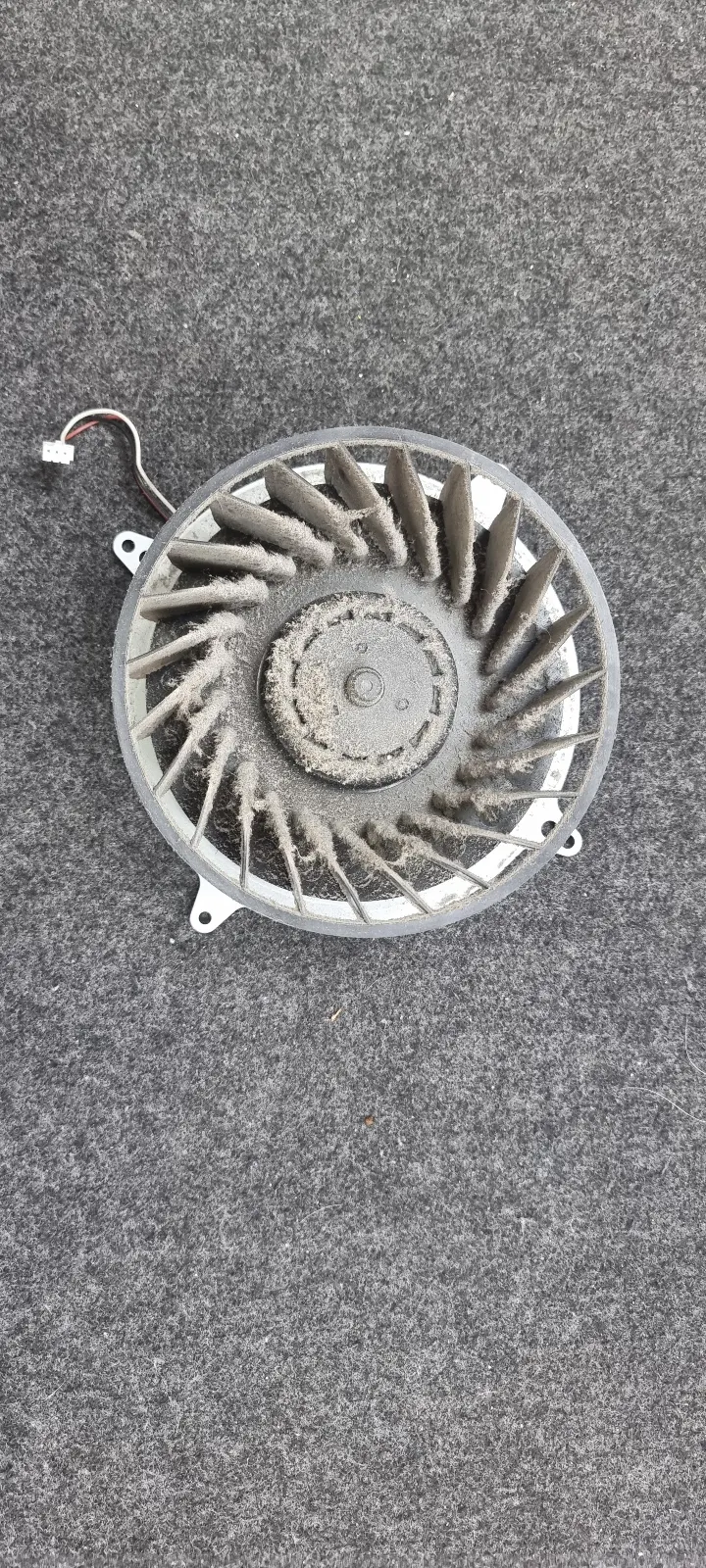
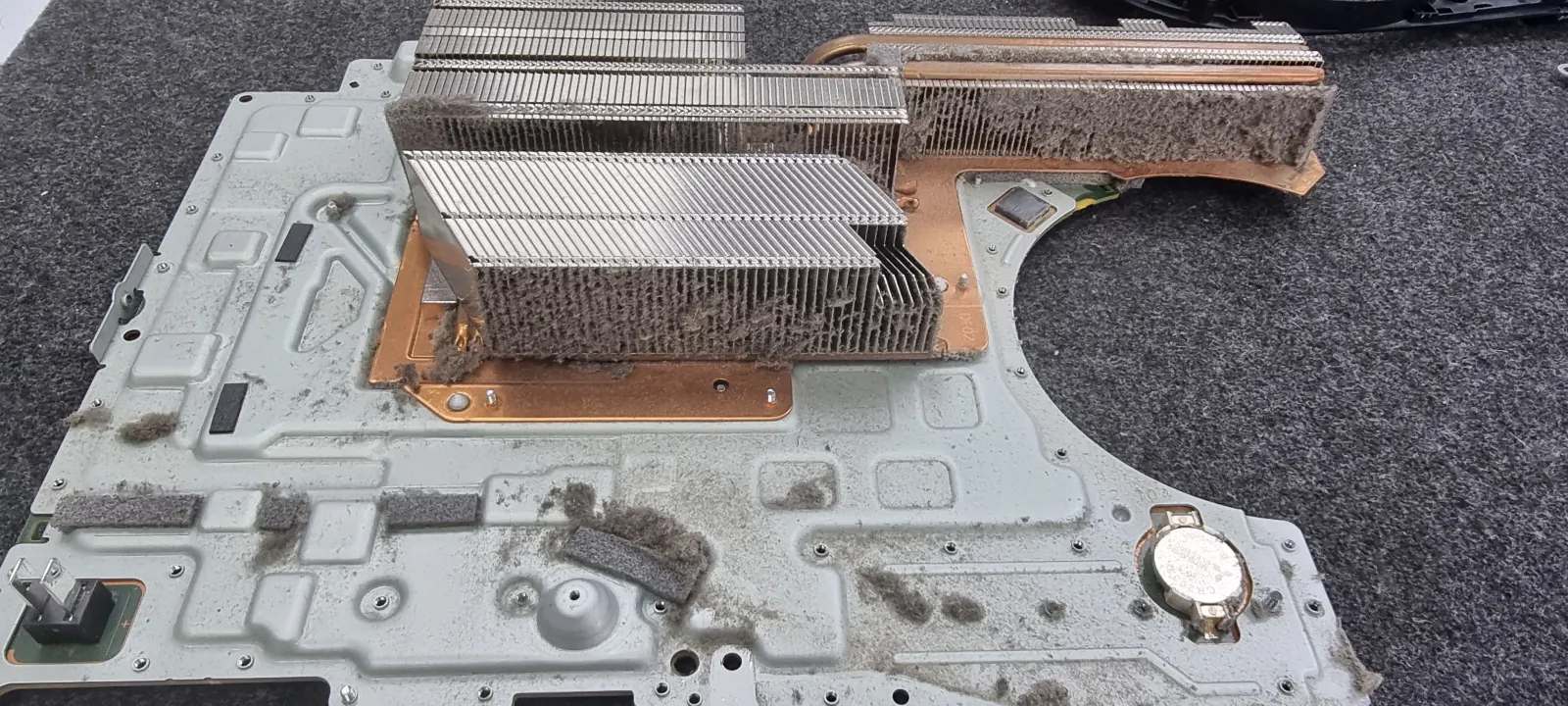
    Hardware faults tend to be invisible until they aren't. Batteries lose capacity gradually. Hinges develop hairline fractures. Thermal paste dries out. Dust builds in vents. Each process is silent until it triggers something worse.

    Daily commuting through SE10, café use near Greenwich Market, and general urban grime all stress hinges, ports and cooling systems. A fixable fault can become an expensive one faster than most people expect. Getting a proper diagnosis early is always worth it.

    What Separates a Reliable SE10 Repairer from a Retail Relay Centre

    On-site board work is the clearest signal of a dependable workshop. When micro-soldering, component swaps and testing all happen under one roof in SE10, turnarounds are faster and accountability is straightforward.

    Many high-street centres are effectively drop-off points. Your device travels to a central hub, days get added to the process, and you lose direct contact with whoever is actually working on it. That matters more than most people realise, particularly if something goes wrong with the repair itself.

    Reputable shops provide written diagnostics, photographs of the fault, and a clear parts-and-labour breakdown. If a repairer won't show you evidence of what was wrong and what was done, walk away. Check recent Google and Facebook reviews alongside the business listing for their address, opening hours and photos of their on-site bench before you commit.

    Four Steps Before You Hand Over Your Device

    Step 1 Confirm that diagnostics are carried out on-site in SE10 rather than shipped away. Most delays and hidden costs begin the moment your device leaves the local workshop. When you call, ask directly whether the work stays on the premises.

    Step 2 Ask for a fixed diagnostic fee and a firm written quote covering parts and labour. Vague "from" pricing has a habit of shifting once the case is open, so get approval in writing before any extra work begins.

    Step 3 Verify a data privacy commitment. The shop should confirm it will not log in to personal accounts or change passwords without your consent, and should be willing to remove or return your drive on request.

    Step 4 Confirm part warranty and provenance, whether replacements are genuine, refurbished, or third-party. Written warranty terms give you a clear basis for recourse if the repair fails.

    Questions to Ask Before You Commit

    "Do you perform soldering and component replacement on-site in SE10, or do you send the device to a central hub?" You'll know immediately who actually does the work.

    "Can you provide a specific quote for parts and labour before starting work?" Hesitation here typically means surprise add-ons after disassembly.

    "Will you photograph the fault and present the failed part when I collect?" Any reputable technician will agree without pause. Vague answers are your cue to try a different SE10 workshop.

    Practical Checks to Run Before Booking

    Clean visible dust from vents with a soft brush and test on a different socket first. Avoid canned air unless you know what you're doing, as it can push debris deeper into the machine rather than clearing it.

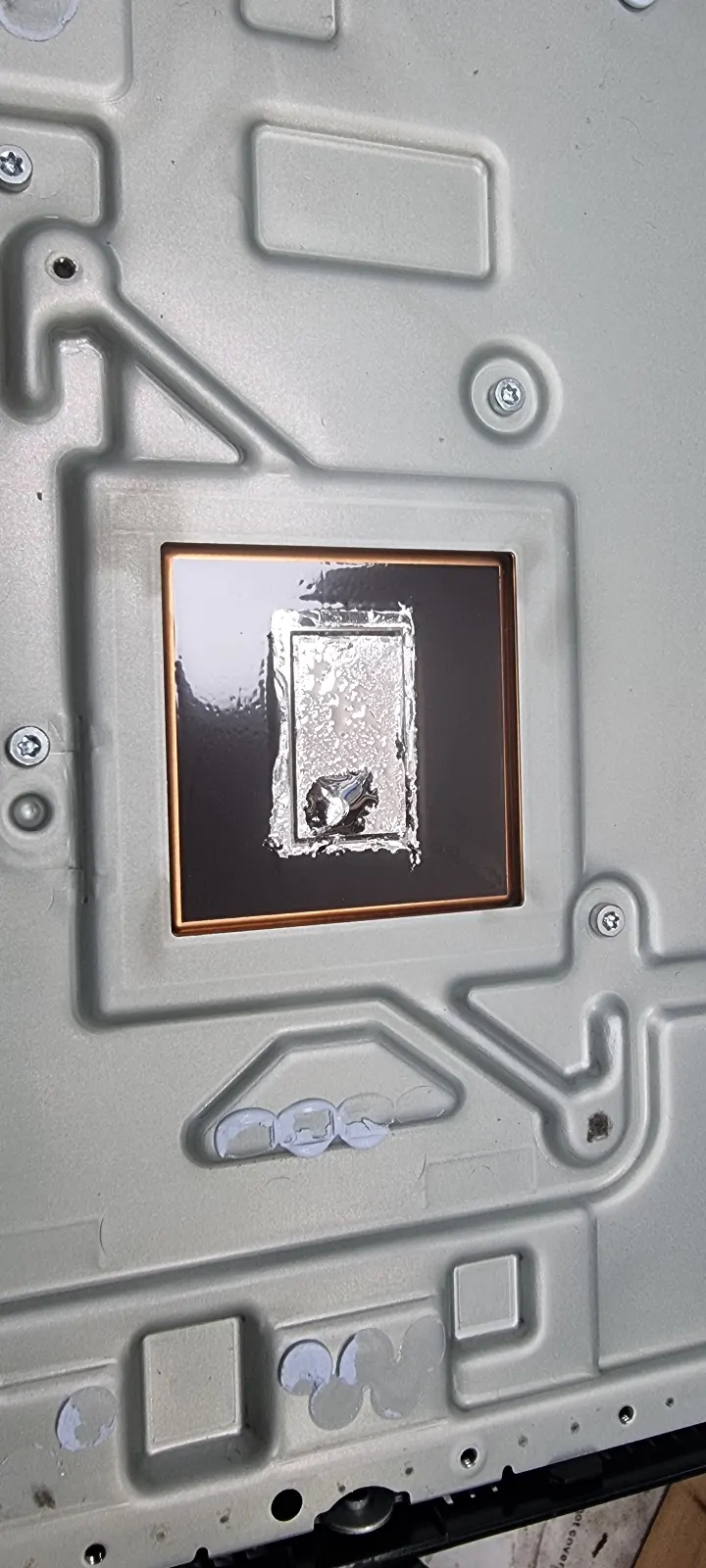
    When booking, ask for an internal clean and thermal paste re-application at the same time. Paste degradation is a recognised cause of accelerated component wear, and many devices run noticeably cooler afterwards. It is worth raising regardless of the original fault.

    Ask the workshop whether they offer same-day diagnostics or walk-in assessment. Many local SE10 shops also cover adjacent postcodes, so confirm availability if you are just outside SE10.

    Common Mistakes That Cost Greenwich Customers More

    Generic chargers are a recurring culprit. Most lack the voltage regulation found in manufacturer-approved units, and the resulting power spikes can turn a straightforward battery swap into a motherboard repair. A USB-C brick rated well above a laptop's charging specification is a good example of how charge-circuit damage quietly begins.

    Waiting until the device won't power on at all can convert a simple connector swap into a complex diagnosis, and that is typically where costs escalate well beyond what was ever necessary.

    Repairs can and do fail. Clear provenance records save arguments later.

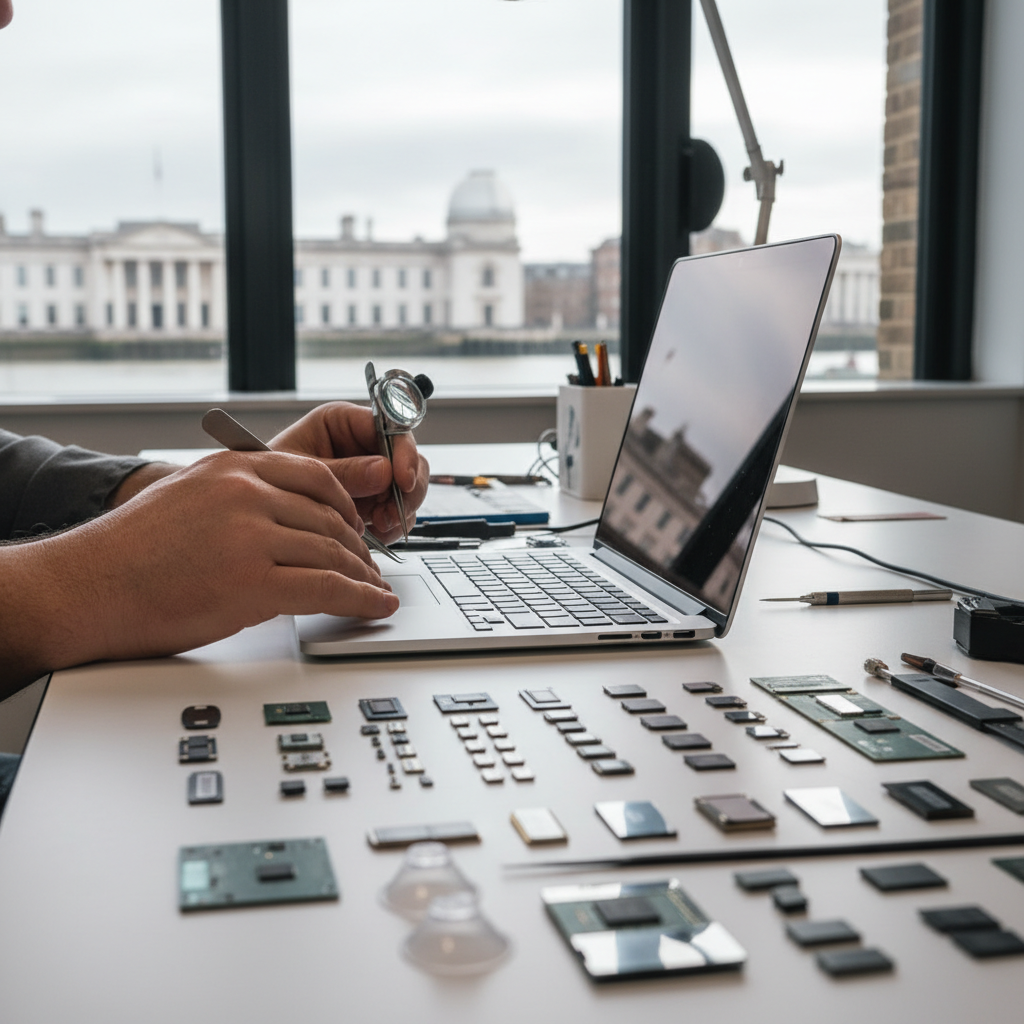
    Suggested original visual: close-up of a technician performing on-site micro-soldering at a Greenwich workshop bench, showing tools and a partially disassembled laptop motherboard. Alt text: "Technician performing micro-soldering on a laptop motherboard at a Greenwich SE10 workshop (on-site laptop repair bench)."

    What Common Repairs Actually Involve

    Screen replacements are primarily mechanical. A reputable shop will show you the replacement panel and demonstrate it before sealing the case. Same-day turnaround is realistic when the panel is already in stock; where it slows down is sourcing, not the labour itself.

    Hinge and chassis work involves partial disassembly and bracket replacement. This is skilled work, not a glue fix. Ask for photographs of the frame and the replaced bracket as standard. Any credible SE10 workshop should provide them without hesitation.

    Battery and charging faults need voltage checks first. A repairer unwilling to supply parts evidence leaves you with nothing to stand on if the fault returns within weeks.

    Realistic Timings for Greenwich (SE10) Repairs and When Professional Help Is Essential

    Screen, hinge, and battery work typically comes back within 24–48 hours when parts are in stock and the repair is done on-site. Don't expect that speed for bespoke-brand panels or anything requiring an order from a supplier. Same-day diagnostics are usually reserved for common faults with parts already on the shelf.

    Motherboard failure and serious water damage are different. Diagnosis takes longer, components often need sourcing, and realistic turnarounds run from several days to a few weeks. Where corrosion is advanced, full recovery is not guaranteed, and no credible shop will promise otherwise.

    Bring the device in immediately if you notice swelling, sparks, repeated unexpected shutdowns, or a complete failure to boot. Waiting almost always increases the cost and reduces the chance of a full recovery.

    Indicative local costs, varying by model and stock: diagnostic fee £20–£50; battery replacement £40–£120; screen replacement £70–£250. Bespoke panels or motherboard work typically take several days. Costs can vary considerably depending on device brand and fault complexity.

    How to Choose Between Repair, Replacement or Authorised Service

    Rather than making a rushed decision, run through these three checks in order.

    Check A. If visible damage is limited to the battery, screen or hinge, and the quoted cost is less than roughly one-third of a comparable new device, repair is usually the better call. A local SE10 workshop can typically provide a same-day written quote, so it costs nothing to find out where you stand.

    Check B. If the device is still under manufacturer warranty and the fault is hardware-related, use authorised service. Manufacturers may require authorised centres to preserve cover, so check your warranty terms directly before doing anything else.

    Check C. If multiple core components show corrosion, or the motherboard is behaving intermittently, replacement is probably the more cost-effective route. Repeated repairs in that scenario add up fast.

    Before committing anywhere, check recent customer reviews and confirm whether a written quote and parts receipt are standard practice. Ask for a fixed diagnostic fee upfront. If a workshop is reluctant to confirm that in writing, that tells you something.

    Suggested original visual: a simple decision-tree diagram showing the repair vs replacement vs authorised service logic, adapted for SE10 device owners. Alt text: "Decision tree for repair vs replacement vs authorised service for Greenwich SE10 device owners."

    Frequently Asked Questions

    What is the Diagnostic Gap?

    The Diagnostic Gap is the window between a device failure and a correct diagnosis, during which owners can accidentally worsen the fault by buying the wrong parts or accepting temporary fixes that allow underlying damage to deepen.

    How can I tell if a computer repair shop in SE10 is reliable?

    A trustworthy SE10 workshop carries out board-level repairs on-site and provides written diagnostics, fault photographs, and a parts-and-labour breakdown before any work begins. Check recent Google or Facebook reviews, confirm there is a visible on-site bench, and ask about warranty terms before handing anything over.

    What should I ask before handing over my device for repair?

    Ask whether repairs are carried out on-site, whether there is a fixed diagnostic fee, and what warranty covers replacement parts. A clear data privacy policy matters too, particularly if personal files are on the device. Most local SE10 shops will answer all of this upfront. If a repairer is evasive, look elsewhere.

    What are common mistakes that make computer repairs more expensive?

    Using cheap generic chargers, waiting until the device fails completely, and picking a workshop that offers no post-repair warranty are the most frequent culprits. Each can push the final bill up considerably. Check recent reviews and confirm the shop offers a written warranty on parts before you commit.

    When should I consider replacing my device instead of repairing it?

    If several core components show corrosion, or the motherboard is throwing intermittent faults, replacement is often the more cost-effective call. A written diagnostic from a local repairer usually makes the answer clear. A good Greenwich workshop will give you an honest assessment rather than push for a repair that is not worth the cost.

    Where can I find computer and laptop repair in Greenwich SE10 and what should I check first?

    Look for a local SE10 workshop that carries out on-site repairs and offers same-day diagnostics. Ask for a fixed diagnostic fee, a written quote, and photographs of any replaced parts before you hand the device over. Reading customer reviews first takes only a few minutes and can save a lot of trouble later.

    Need a Repair in Greenwich?

    Call us now for a free, no-obligation quote. Same-day service available for Greenwich residents.

    020 8317 4672
    We use cookies to improve your experience on our site. See our Cookie Policy for details.